- 9 -
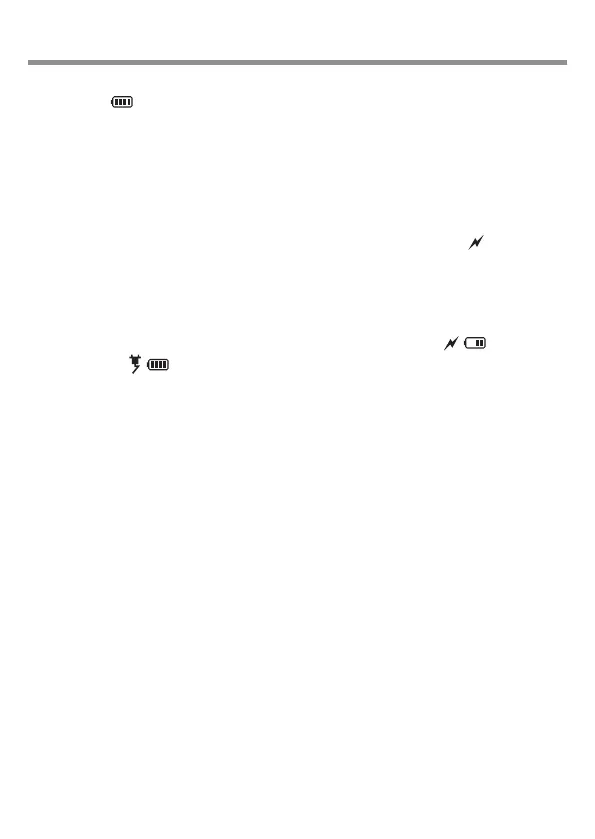
The amount of battery charge is displayed with an indicator
symbol ( ) where all bars indicate a full or nearly full
charge, one bar indicates low charge and flashes
continuously at minimum charge as a reminder to charge the
battery.
To charge the battery connect any USB charger (minimum
charging capacity 1A) to the radio using the USB-C cable
provided in the box. The battery charging symbol ( ) will be
displayed alongside the battery charge level symbol.
Battery charging LED (located on the RHS of the radio) will be
Red while the battery is charging, turn Green when the battery
is fully charged and the battery charge symbol ( ) will
change to ( ) until the USB-C cable is disconnected.
The radio may be used while the battery is charging, however,
this will cause the battery to take longer to fully charge.
The radio can be used with the USB-C cable connected
indefinitely without causing any harm to the radio.
4/ Battery Charging













 To Next Page