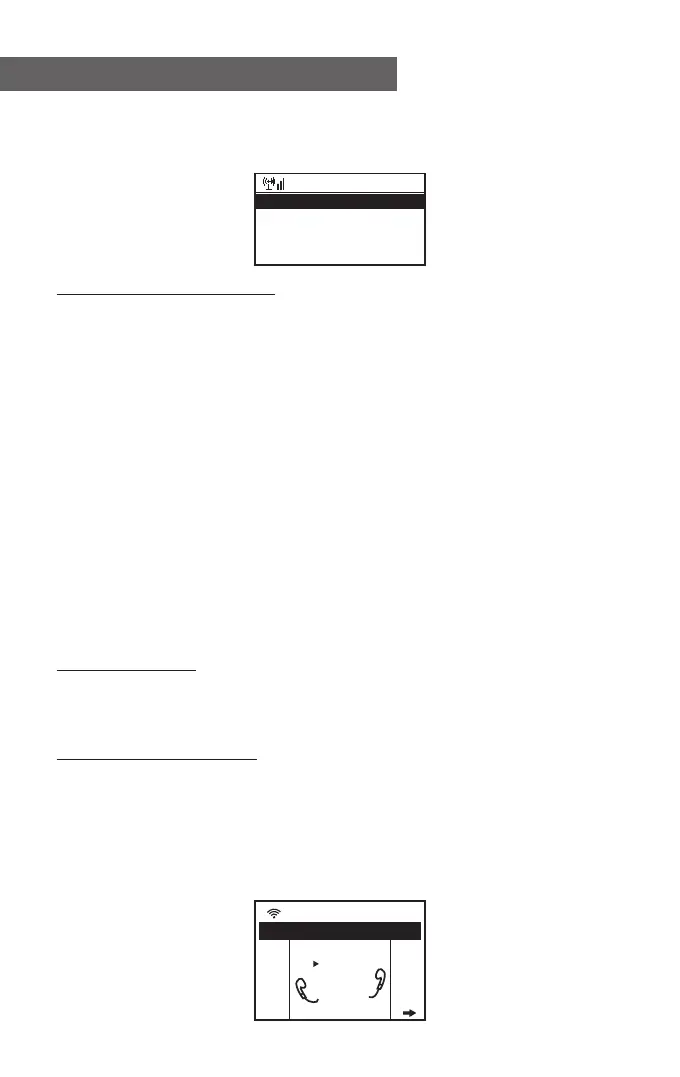
Choose the radio station that you want to make changes to. Then
press the Right key, and you will see a list with the above options.
Then choose your desire action.
To recall a preset station:
Press the <Preset> button briefly and choose your desired
station.
Radio Station / Music
Selecting this option allows you to find your desired radio station
by Genre, Location., etc.
Local Radio
If you want to access quickly the radio stations located in your
area, select this function, and it will display the list of the stations
available in your area.
History
The radio will memorize the last 10 listened stations.
Service
Search Stations
You can find your desired radio station by entering the name of
the station.
Add New Radio Station
If you cannot find your desire station from the Radio station list,
and you have the streaming URL address, you can input the link
here and add it to your favorites list.
When the radio station is playing, the display will show a color
image transmitted from the radio station.
Internet Radio
Delete
Shift Up
Shift Down
< 1/5 >
iRadio
iRadio
.977 The 80s Channel
977
Music
Internet Radio
- 07 -















 To Next Page