ODYS Multi TV 700 Move
20
EN
9 Multimedia (Video, Photo, Music)
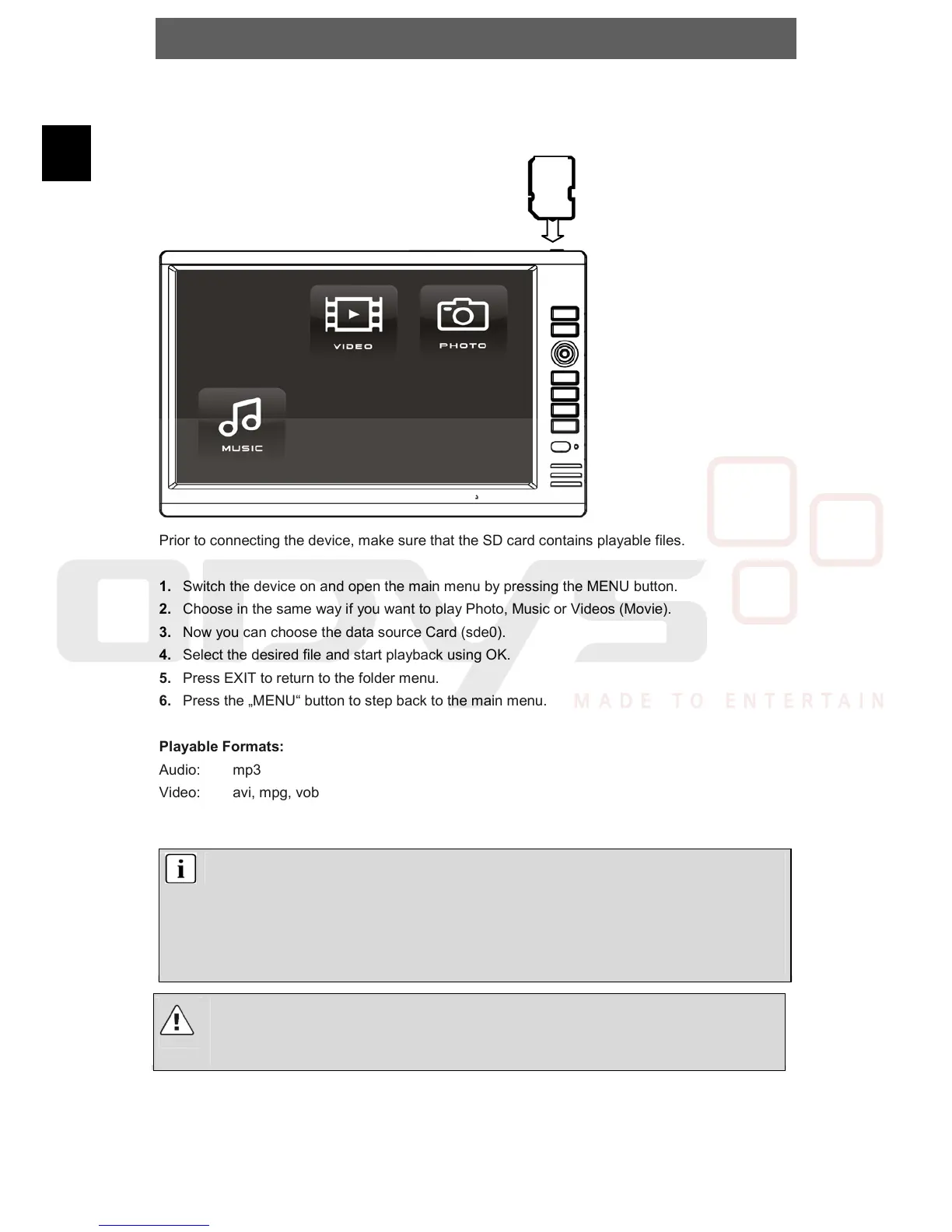
Insert the SD-Card into the SD-Slot (see the images below).
Prior to connecting the device, make sure that the SD card contains playable files.
1. Switch the device on and open the main menu by pressing the MENU button.
2. Choose in the same way if you want to play Photo, Music or Videos (Movie).
3. Now you can choose the data source Card (sde0).
4. Select the desired file and start playback using OK.
5. Press EXIT to return to the folder menu.
6. Press the „MENU“ button to step back to the main menu.
Playable Formats:
Audio: mp3
Video: avi, mpg, vob
Foto: jpg
Note
The USB jack cannot be used for connecting digital cameras or other USB
devices.
Please note that Videos with large data files may have an effect on the playback.
This device accepts memory cards with a maximum capacity of 2 GB.
Because of the variety of known file formats it is possible that some few files can not be
played.
Caution
In Video-Mode you can only see video files, in Music-Mode only music files and in Photo-
Mode only pictures!



 To Next Page