ODYS Multi TV 700 Move
25
EN
11.3.3 Menu Settings (OSD)
EQ setup Change the Equalizer settings
Options: standart – classic – rock – jazz – pop
Audio Setting
(Surround)
Additional sound settings.
Options: Off – concert – church – passive – live
Screen This function switches of the screen while playing music after 15
seconds.
JPEG Effect Choose how to prompt pictures in photo mode.
(Capter 9.1)
On: Pictures in full screen.
Off: Pictures in original size.
Brightness Adjustment of brightness in procent.
Region Selection of the country for DVB-T channel search.
Note
By using the internal speaker the sound settings will have only less effect.
Please note that photos can not be zoomed.
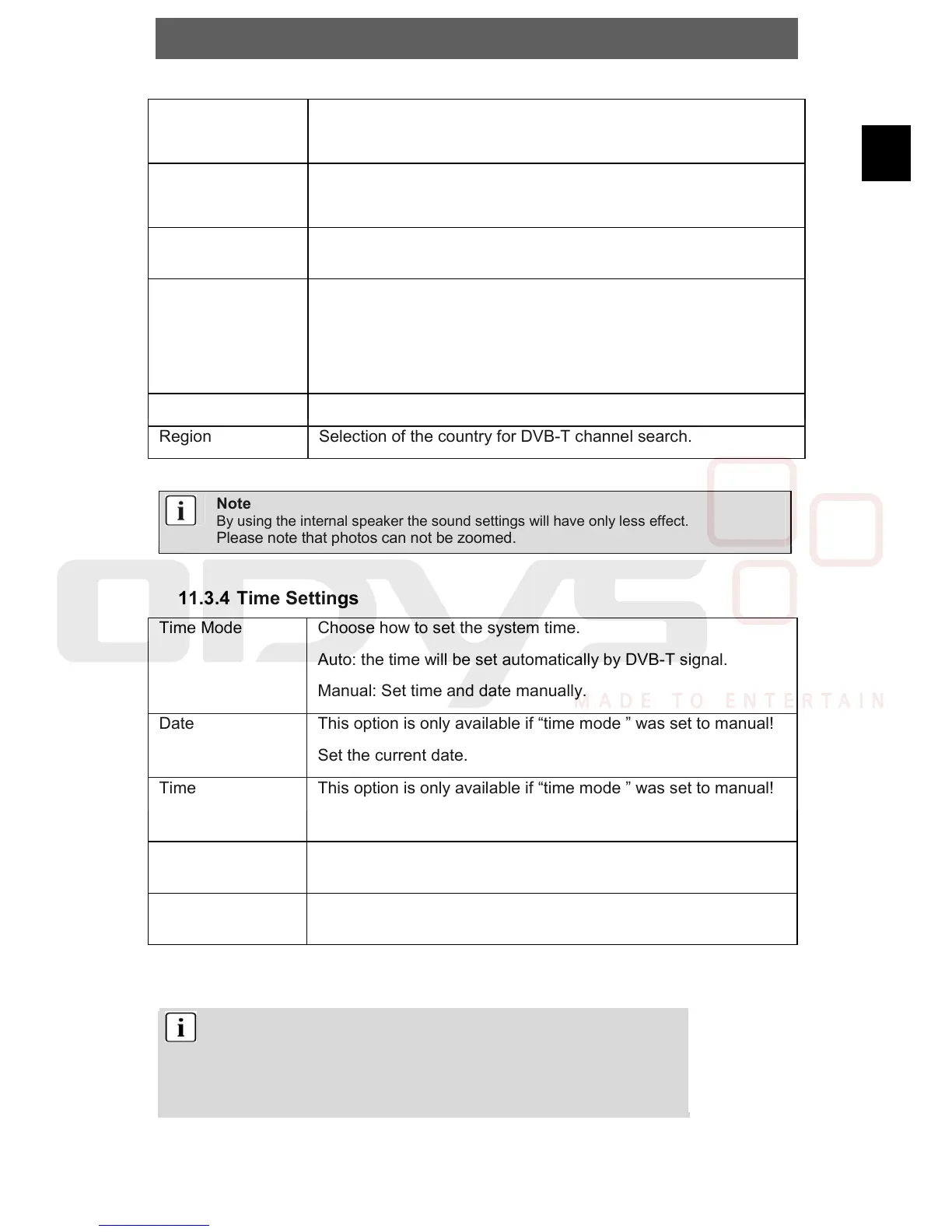
11.3.4 Time Settings
Time Mode Choose how to set the system time.
Auto: the time will be set automatically by DVB-T signal.
Manual: Set time and date manually.
Date This option is only available if “time mode ” was set to manual!
Set the current date.
Time This option is only available if “time mode ” was set to manual!
Set the current time.
Time zone (GMT
offset)
Choose the time zone of your country.
Summer Time
(DST)
Choose “On” during the European summer time.
Note
Choose in Europe (w/o Portugal and England) the setting +01:00.
In England and Portugal choose 00:00.
During the European Summer Time it is necessary to enable the
function „Summer Time“.



 To Next Page