Color EditorGeneral InformationQuick StartMain ScreenInstallationIntroductionTable of Contents
Magic Box - Design Card Converter
Software Manual
Installation
14
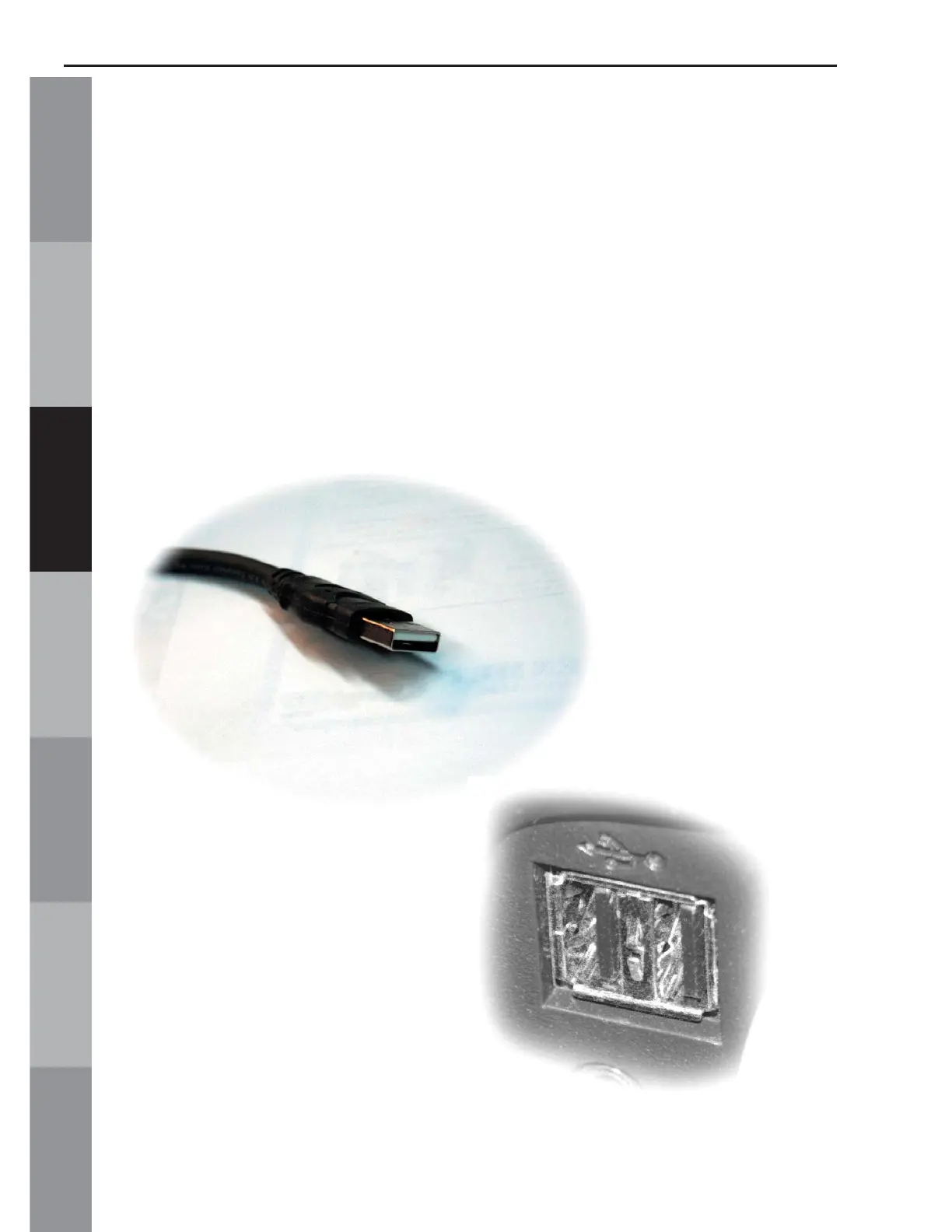
into any available USB port on the computer (Fig. Inst-7 Below).
NOTE: Some computers have USB ports on the front and/or the
back. Use any available USB port.
After plugging the Magic Box into the USB port, the computer will
automatically begin looking for drivers for the Magic Box.
Fig. Inst-6
Fig. Inst-7



 To Next Page