Color Editor
Color EditorGeneral InformationQuick StartMain ScreenInstallationIntroductionTable of Contents
Mini Magic Box - Design Card Converter
Mini Magic Box - Design Card Converter
Software Manual
80
Color Editor
Mini Magic Box - Design Card Converter
Print
Click “Print” to print a copy of
a design to a piece of paper. The
design will print out, and will show
the fi le name of the design, the size,
number of stitches and number of
colors.
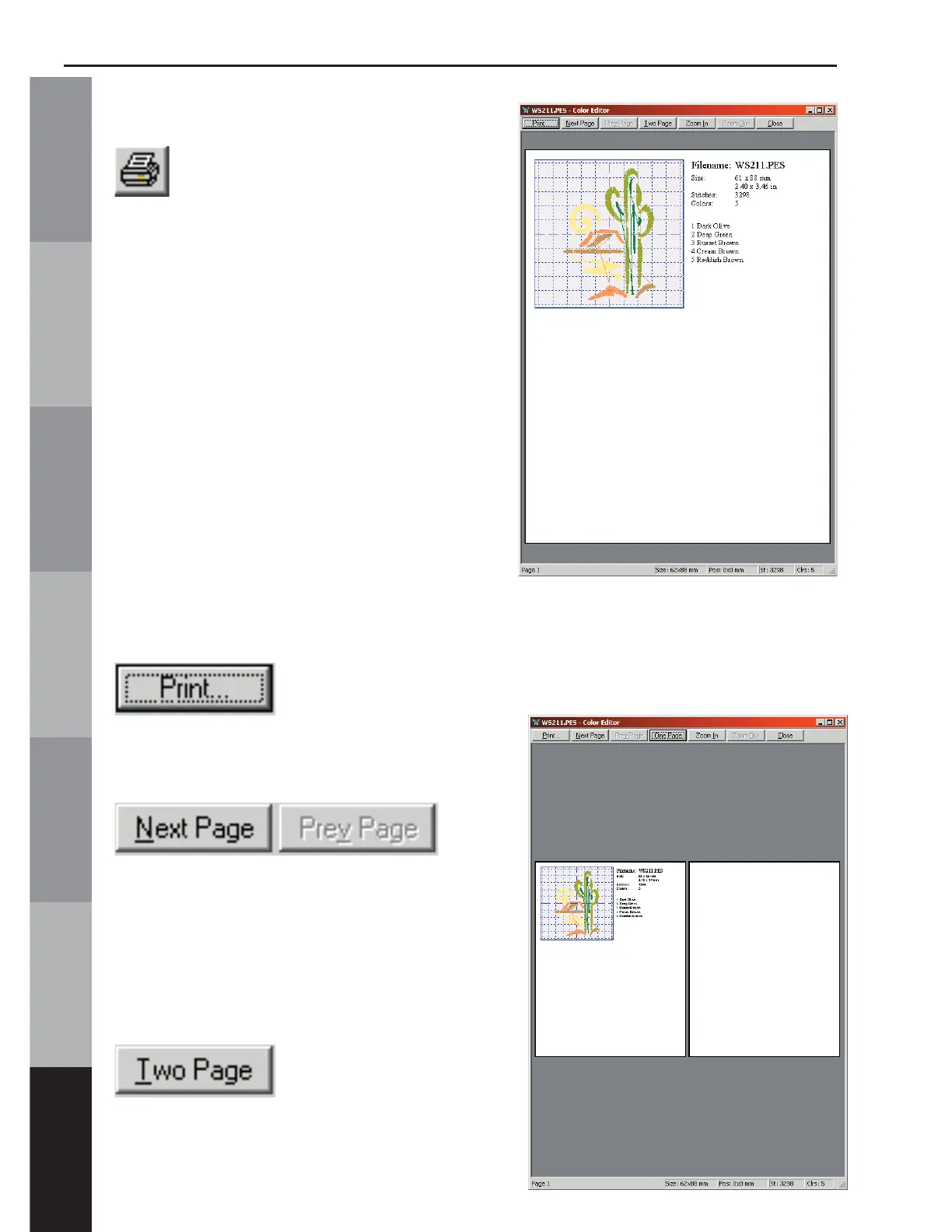
Print Preview
Click on “Print Preview” to display
the printed page. On the right side
of the screen the File Name, size of
design in millimeters & inches, stitch
count, number of colors and thread
chart are displayed.
The “Print” button
will send the instruction sheet to the
printer.
The
“Next Page” button will display the
instructions from the second page (if
applicable).
The “Prev Page” will return to the
previous page (if applicable).
Click the “Two Page”
button to view a preview of both
pages.



 To Next Page