Main Screen
Table of ContentsIntroductionInstallationMain ScreenQuick StartGeneral InformationColor Editor
Mini Magic Box - Design Card Converter
Mini Magic Box - Design Card Converter
Software Manual
55
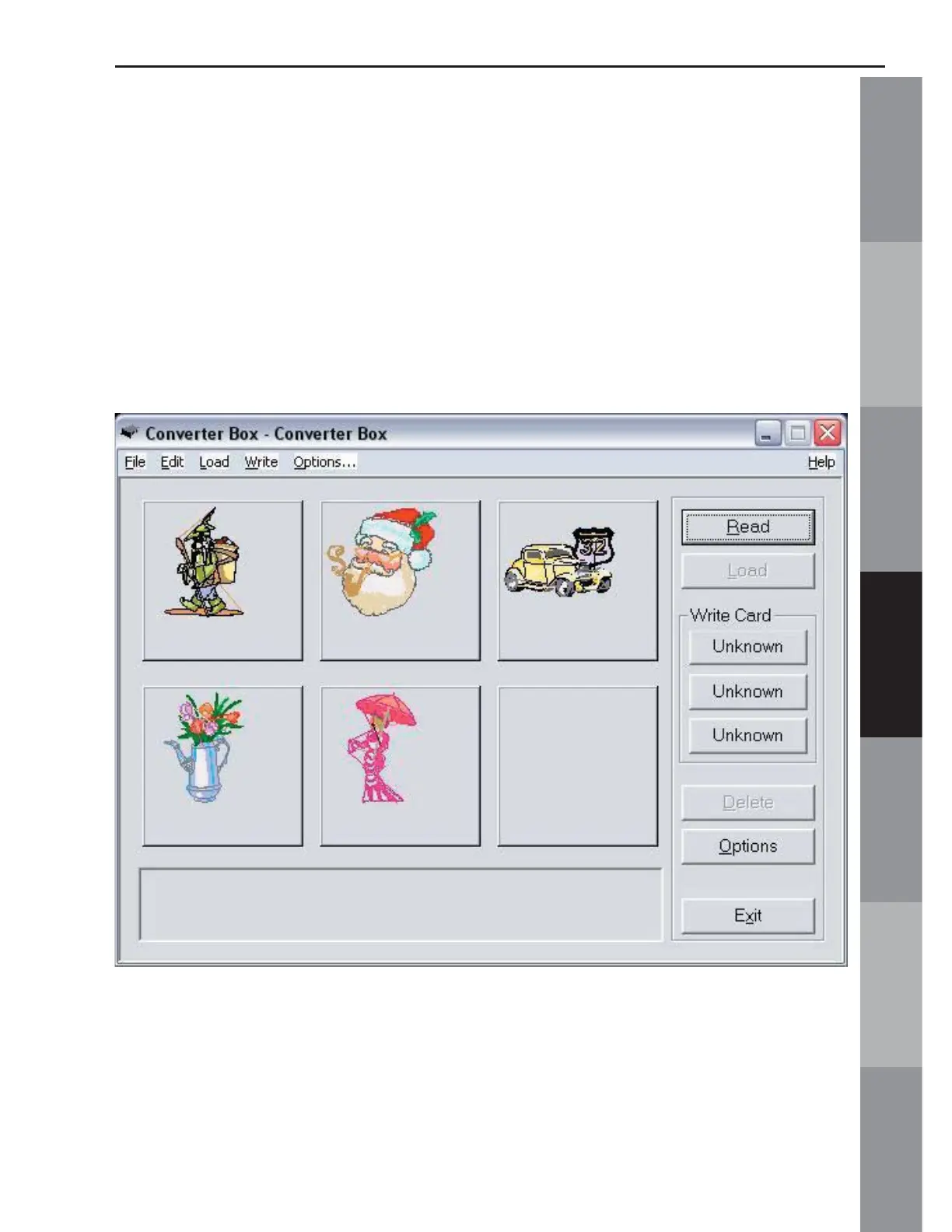
A. Design Area (Fig. MS-3 Below)
Six designs can be placed onto a Magic Card at one time,
depending on the size, stitch count and/or color changes in the
design. The six boxes allow a preview of the designs before they
are written to a Magic Card. Fig. MS-3 below shows the fi ve free
designs from the Magician Sizing software in the Design Area.
There is still one empty box available to Read a design.
Fig. MS-3



 To Next Page