Main Screen
Table of ContentsIntroductionInstallationMain ScreenQuick StartGeneral InformationColor Editor
Mini Magic Box - Design Card Converter
Mini Magic Box - Design Card Converter
Software Manual
57
C. Read Noted in Fig. MS-2c, (page 52)
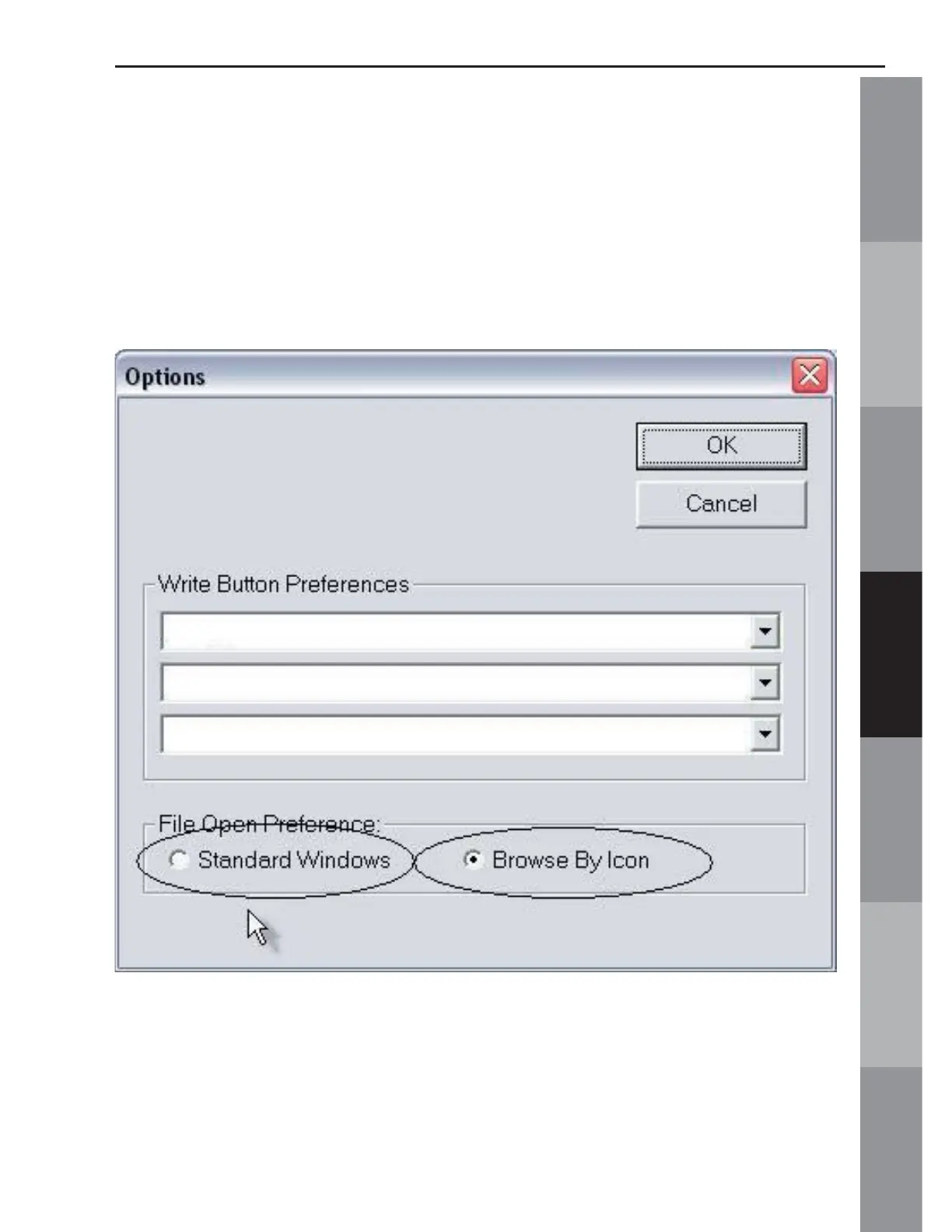
The Read function opens designs from a computer’s hard drive,
a fl oppy disk or a CD-ROM. Choose either the “Standard
Windows” or the “Browse by Icon” viewing options from the
Options menu, which is located to the right on the Main Screen.
Fig. MS-2cc



 To Next Page