Main Screen
Color EditorGeneral InformationQuick StartMain ScreenInstallationIntroductionTable of Contents
Mini Magic Box - Design Card Converter
Mini Magic Box - Design Card Converter
Software Manual
58
Main Screen
Mini Magic Box - Design Card Converter
Standard Windows Option
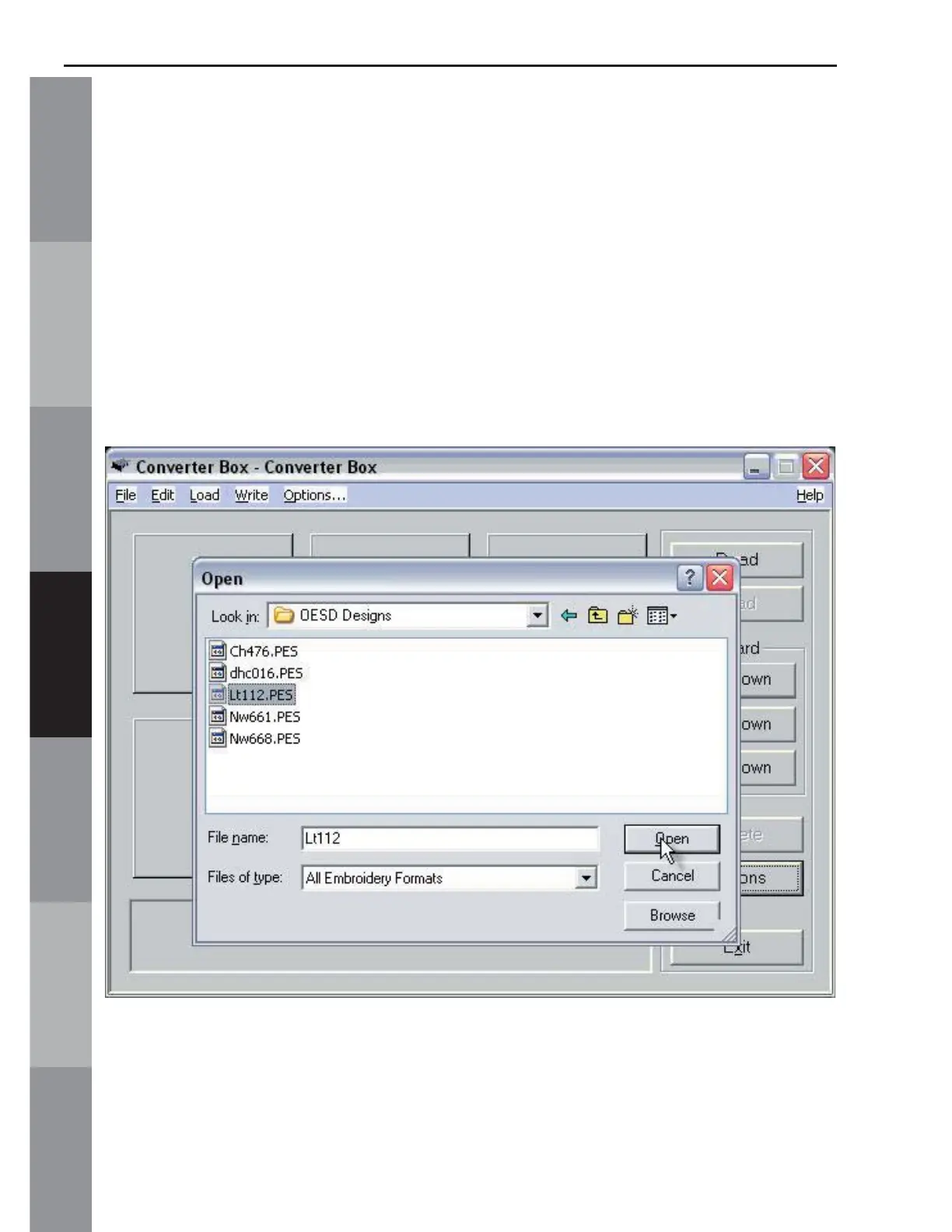
To set the Magic Box to Read using the Standard Window option,
click on Options (See fi g.MS-2c
, page 52). The Standard Windows
option (See fi g. MS-2cc above) functions like the Windows
Operating System, making it easy to fi nd fi le on the computer.
Read using Standard Windows
Click the Read button to open a standard window.
Click on the desired design and click Open.
The design will appear on the Main Screen in the fi rst empty space
in the Design Area.



 To Next Page