Main Screen
Table of ContentsIntroductionInstallationMain ScreenQuick StartGeneral InformationColor Editor
Mini Magic Box - Design Card Converter
Mini Magic Box - Design Card Converter
Software Manual
73
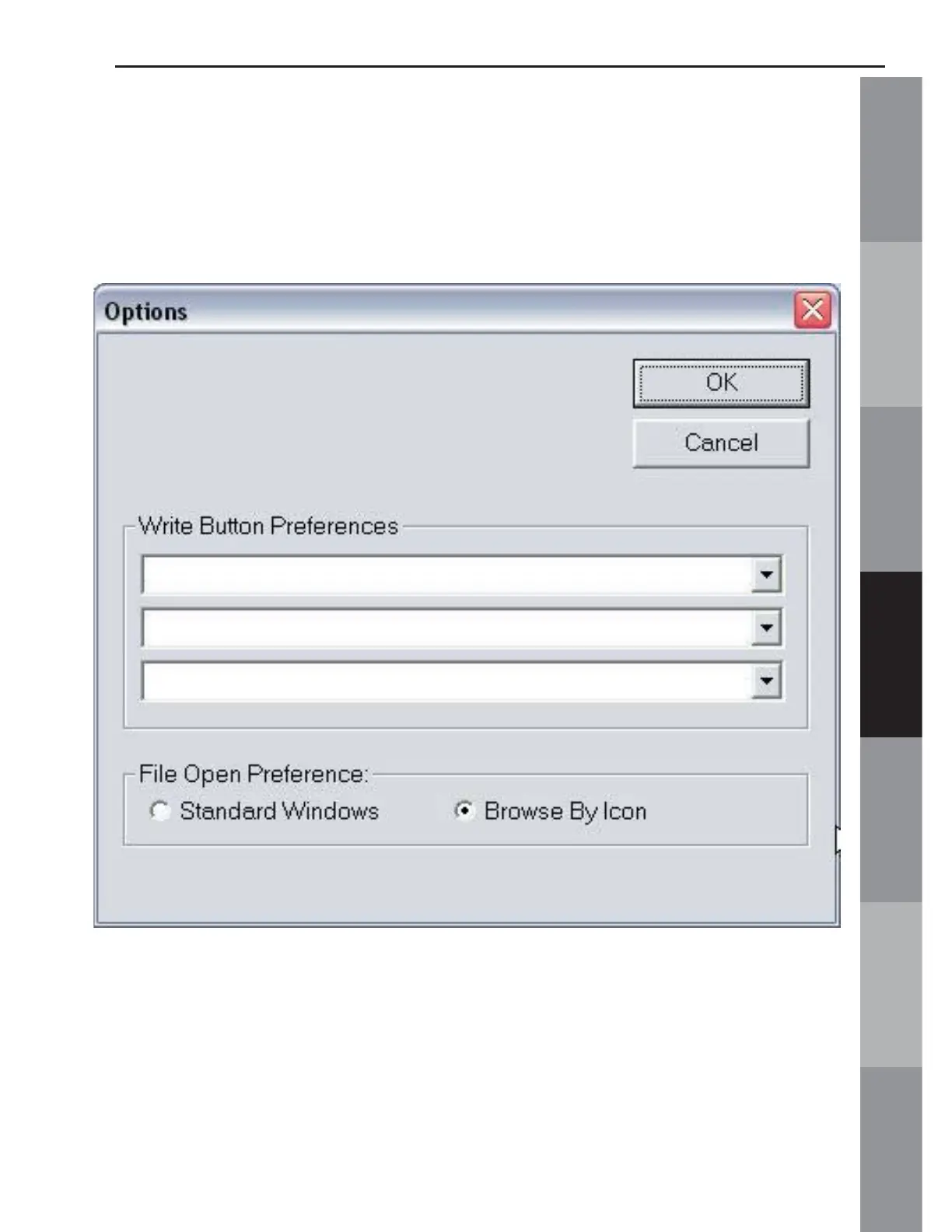
G. Options (Noted in Fig. MS-2g, page 52)
Fig. MS-11a USB Port Magic Box
Options Window
Use the drop down arrow in the Write Button Preferences area to
choose the machine type for the Magic Card that is to be written
to. When a card is inserted into the Magic Box for the fi rst time,
the “Unknown” button will be matched to the machine type by the
user. After that fi rst use, the button is then labeled for that machine.



 To Next Page