Color Editor
Table of ContentsIntroductionInstallationMain ScreenQuick StartGeneral InformationColor Editor
Mini Magic Box - Design Card Converter
Mini Magic Box - Design Card Converter
Software Manual
81
Click the “Zoom In” button to enlarge the preview
image.
Click the “Zoom Out” button to reduce the preview
image.
Click the “Close” button to close the Print Preview
screen.
Click the “One Page” button to bring the Print
Preview screen back to one page.
Quick Start General Info. Main Screen Introduction Installation Troubleshoot Color Editor
Exit
Exit will close the Color Editor.
Quick Start General Info. Main Screen Introduction Installation Troubleshoot Color Editor
OPTIONS
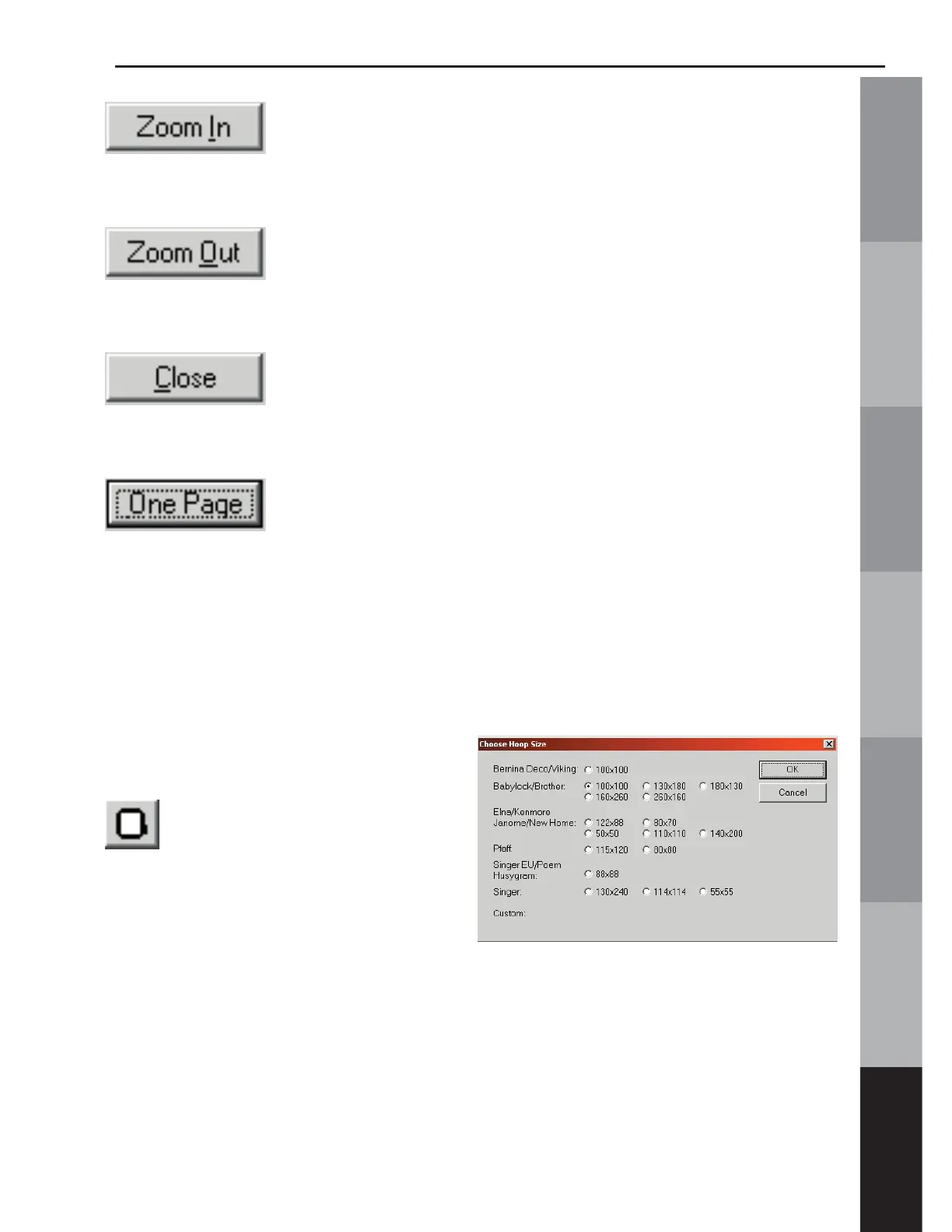
Hoop Size
Click on “Hoop Size” to
open the dialog box for choosing
the machine and hoop size for
the design to be sewn.
The workspace grid will shrink or enlarge to show the workable
area available for that particular machine and size.



 To Next Page