Main Screen
Color EditorGeneral InformationQuick StartMain ScreenInstallationIntroductionTable of Contents
Mini Magic Box - Design Card Converter
Mini Magic Box - Design Card Converter
Software Manual
66
Main Screen
Mini Magic Box - Design Card Converter
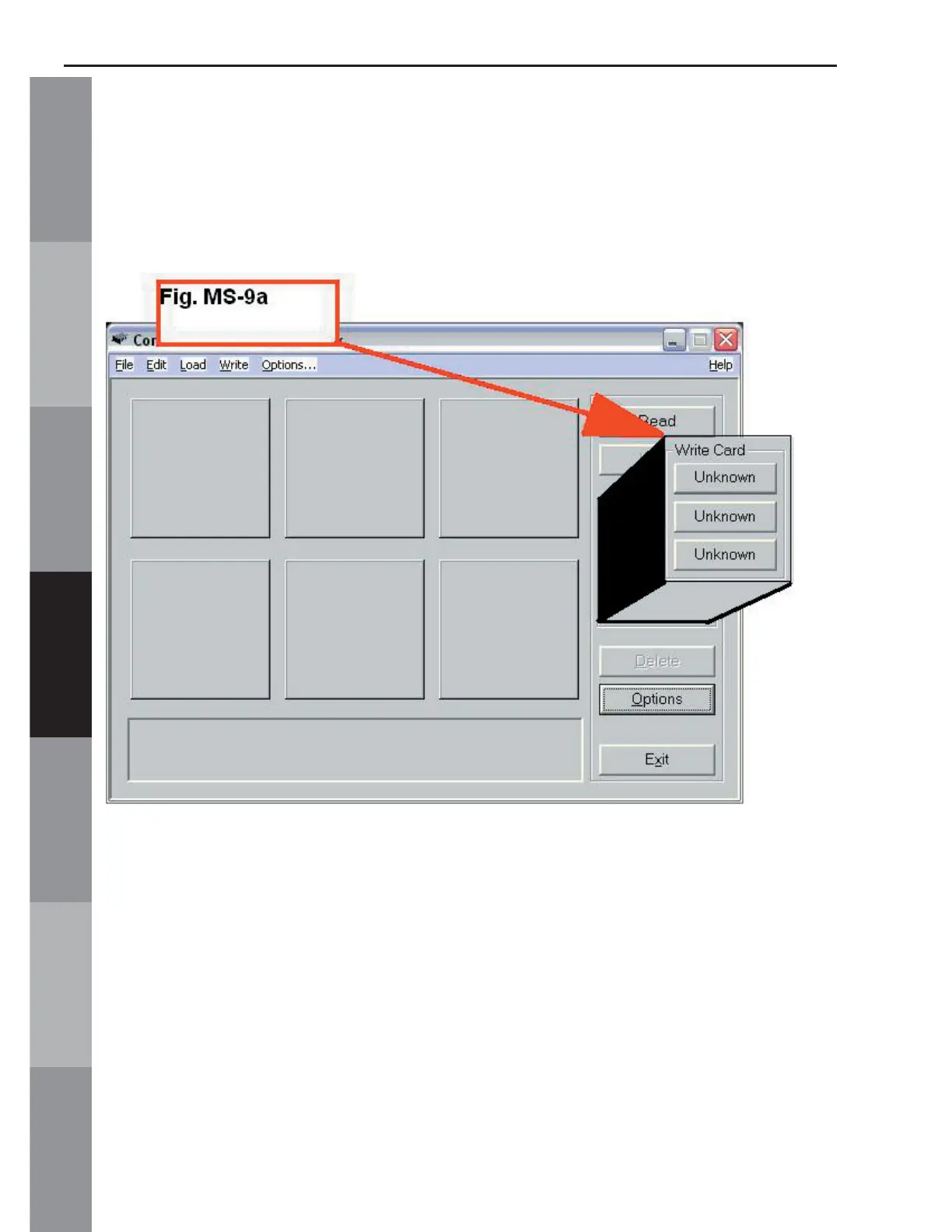
E. Write Card (Noted in Fig. MS-2e, page 52)
The Write Card function saves designs to a Magic Card.
There are 3 buttons that make up the Write Card function (Fig.
MS-9a below)
These buttons are waiting to be assigned a card type. They will
recognize a card when it has been inserted into its proper slot in
the Magic Box.
Slot 1: This slot is for the magic card compatible with Bernette-
Deco, Brother, Babylock, Viking and Simplicity
machines.
Slot 2: This slot is for the magic cards compatible with Pfaff, artista
and Janome 10000 machines.



 To Next Page