Main Screen
Color EditorGeneral InformationQuick StartMain ScreenInstallationIntroductionTable of Contents
Mini Magic Box - Design Card Converter
Mini Magic Box - Design Card Converter
Software Manual
56
Main Screen
Mini Magic Box - Design Card Converter
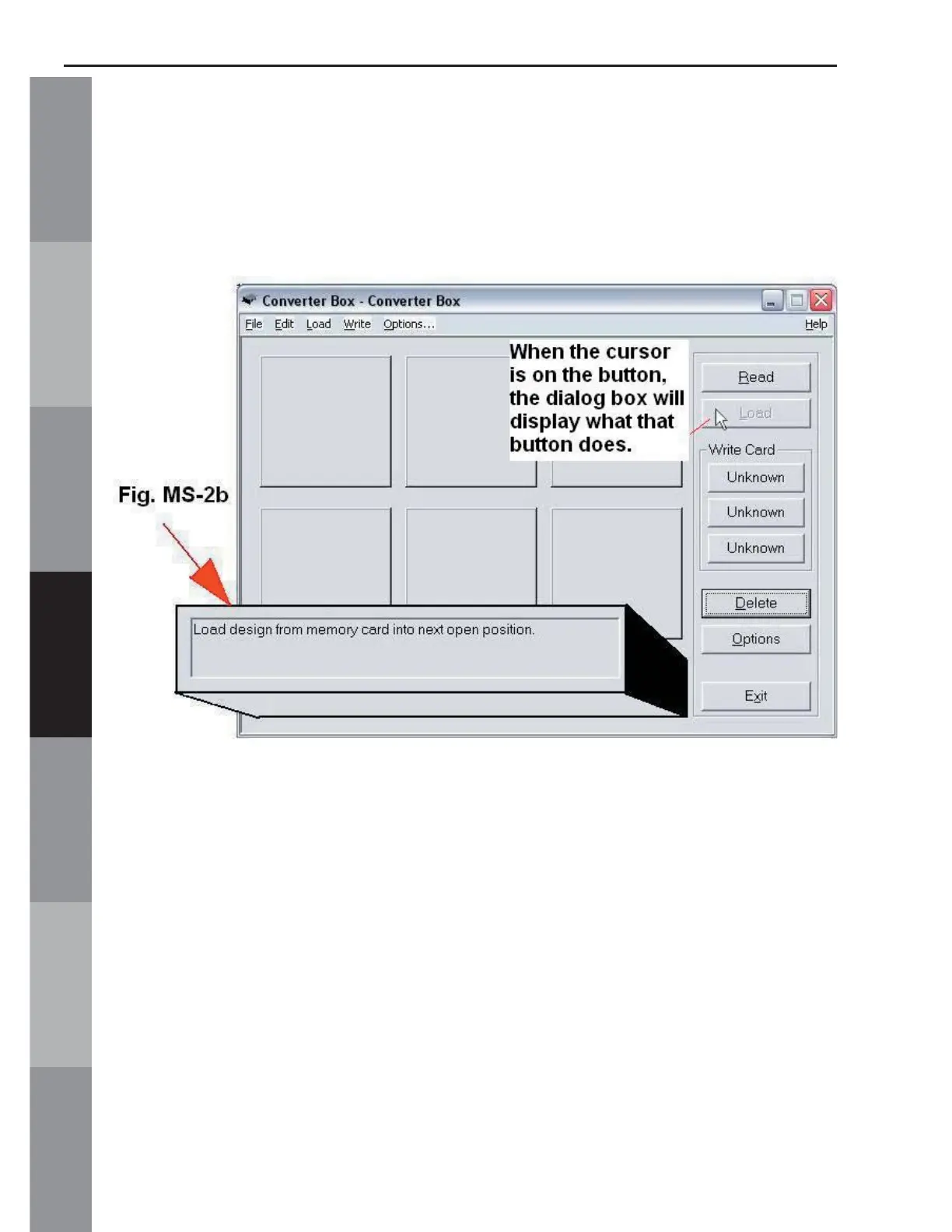
B. Dialog Box (Noted in Fig. MS-2b)
Moving the mouse over the different buttons on the Main Screen
will display information about that feature in the Dialog Box.



 To Next Page