Color Editor
Color EditorGeneral InformationQuick StartMain ScreenInstallationIntroductionTable of Contents
Mini Magic Box - Design Card Converter
Mini Magic Box - Design Card Converter
Software Manual
82
Color Editor
Mini Magic Box - Design Card Converter
Preferences
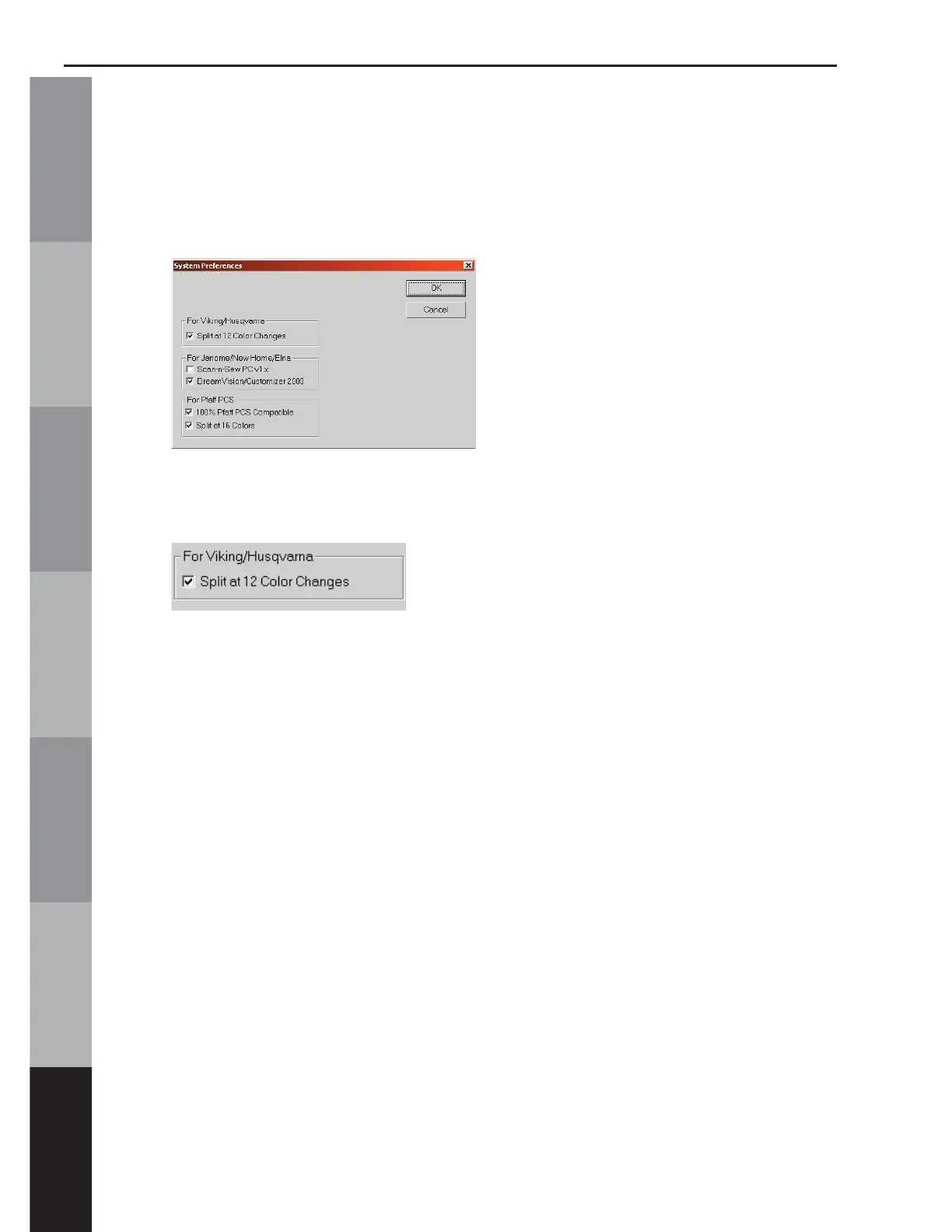
Click on “Preferences” to bring up a dialog box. Several options
can be set, depending on what kind of sewing machine is being
used.
First is the setting for Viking/Husqvarna machines. This option will
split the design at every 12th color change.
Note: When a design is split, the fi le name will be renamed with an A,
B, C etc. at the end of the fi le name. For example, if a design named
FL222.hus has 13 color changes in it, the fi le will be saved as FL222_
A.hus and FL222_B.hus.



 To Next Page