Table of ContentsIntroductionInstallationMain ScreenQuick StartGeneral InformationColor Editor
Magic Box - Design Card Converter
Software Manual
Installation
21
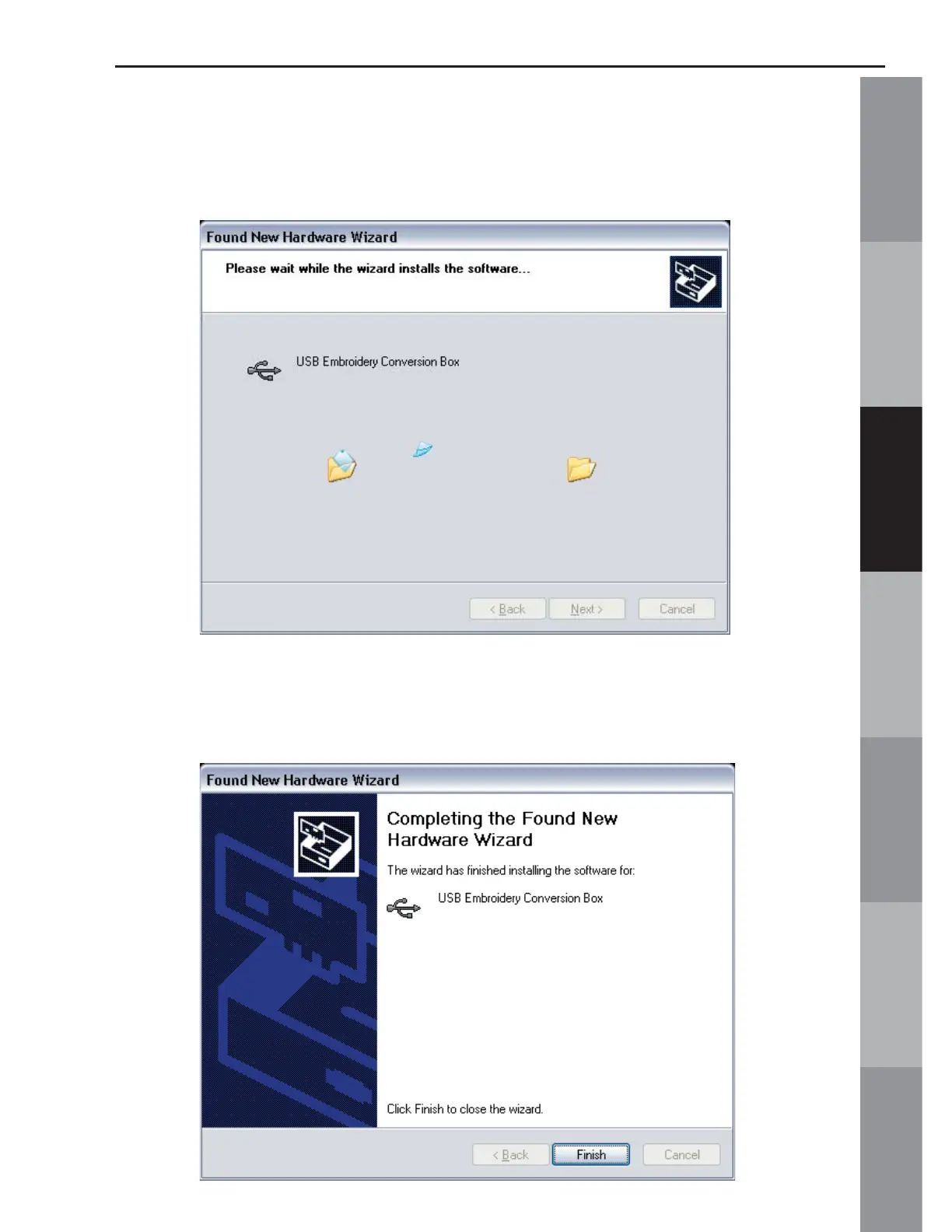
11. The Installation Wizard will continue to copy the appropriate
fi les to the proper location. A meter bar will fi ll from the left to the
right as the information is copied.
12. Once the fi les are copied, the completed window will open.
Click “Finish” to complete the process.



 To Next Page