Table of ContentsIntroductionInstallationMain ScreenQuick StartGeneral InformationColor Editor
Magic Box - Design Card Converter
Software Manual
Installation
27
7. Once the download is complete, disconnect from the Internet
and place a blank fl oppy into the A: Drive. Double-click the
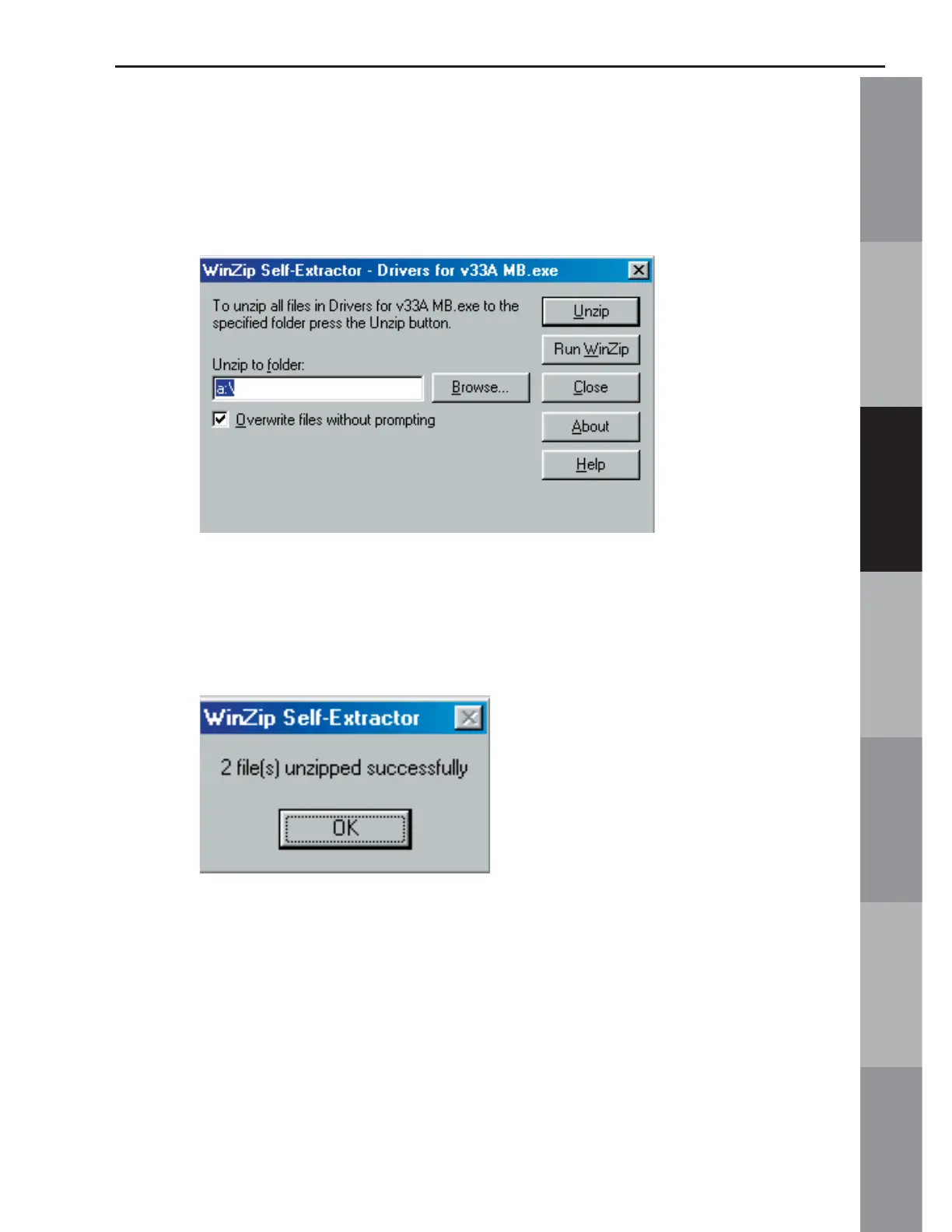
“Drivers for v33A MB.exe” icon on the Desktop. The following box
will appear:
8. Click the “Unzip” button. The message, “2 fi les successfully
unzipped” will appear. Click OK and close the self-extractor
window.
9. Once the fi les are on the disk, determine the computer’s
operating system, and follow the correct driver installation
procedure above.



 To Next Page