Color EditorGeneral InformationQuick StartMain ScreenInstallationIntroductionTable of Contents
Magic Box - Design Card Converter
Software Manual
Installation
30
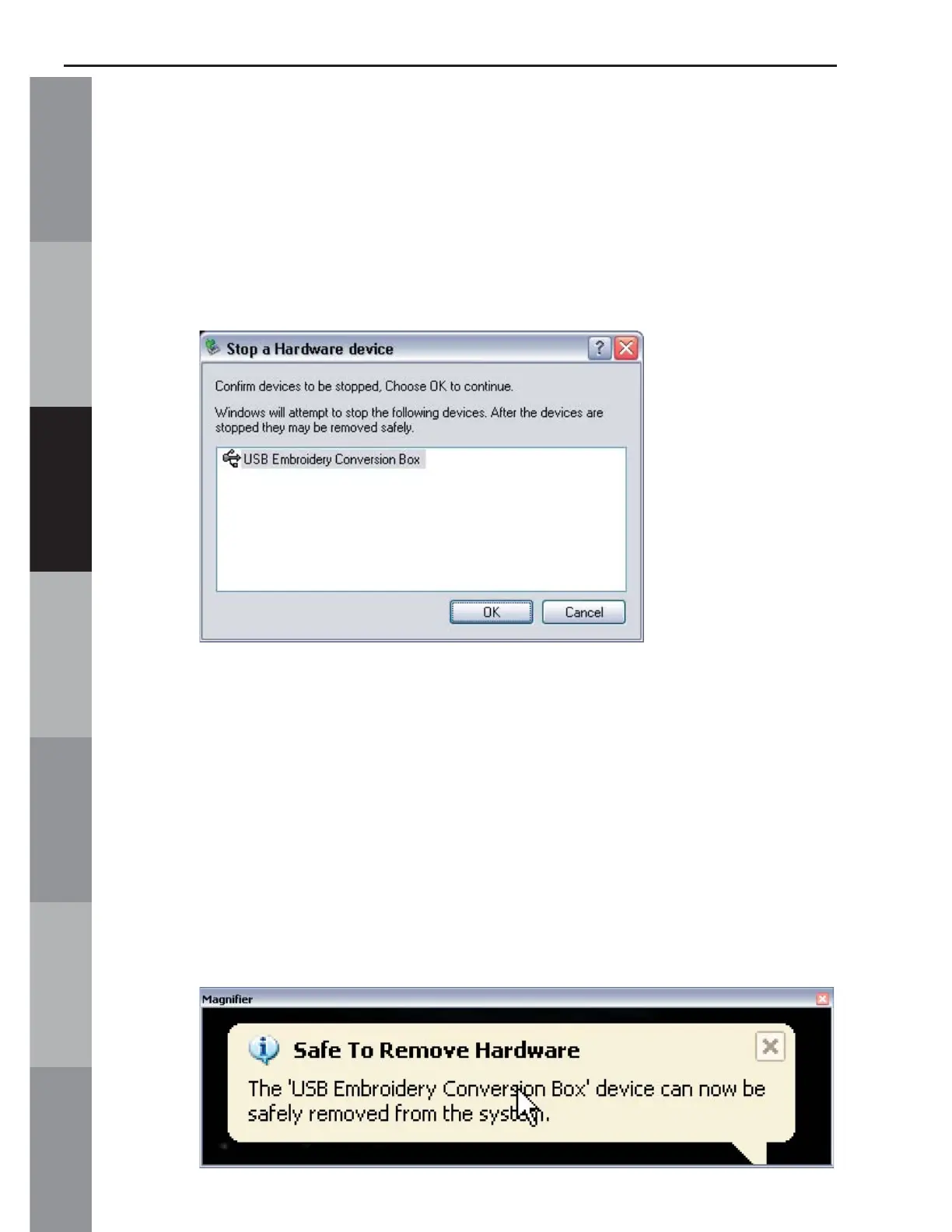
4. After clicking STOP, the “Stop a Hardware device”
window opens, confi rming the choice of device to be
unplugged (Figure 3). Make sure the “USB Embroidery
Conversion Box” is listed and click OK.
Figure 3
5. A word balloon will appear in the lower right corner of the
screen, stating: “Safe to Remove Hardware. The ‘USB
Embroidery Conversion Box.’ device can now be safely
removed from the system” (Figure 4). It is now safe to
unplug the USB Mini Magic Box cable from the computer’s
USB port.
Figure 4



 To Next Page