General Information
Color EditorGeneral InformationQuick StartMain ScreenInstallationIntroductionTable of Contents
Mini Magic Box - Design Card Converter
Mini Magic Box - Design Card Converter
Software Manual
48
General Information
Mini Magic Box - Design Card Converter
Magician Sizing Software
Magician Sizing is a free program that is included
with the Mini Magic Box. Install it from the OESD
Digital Catalog CD
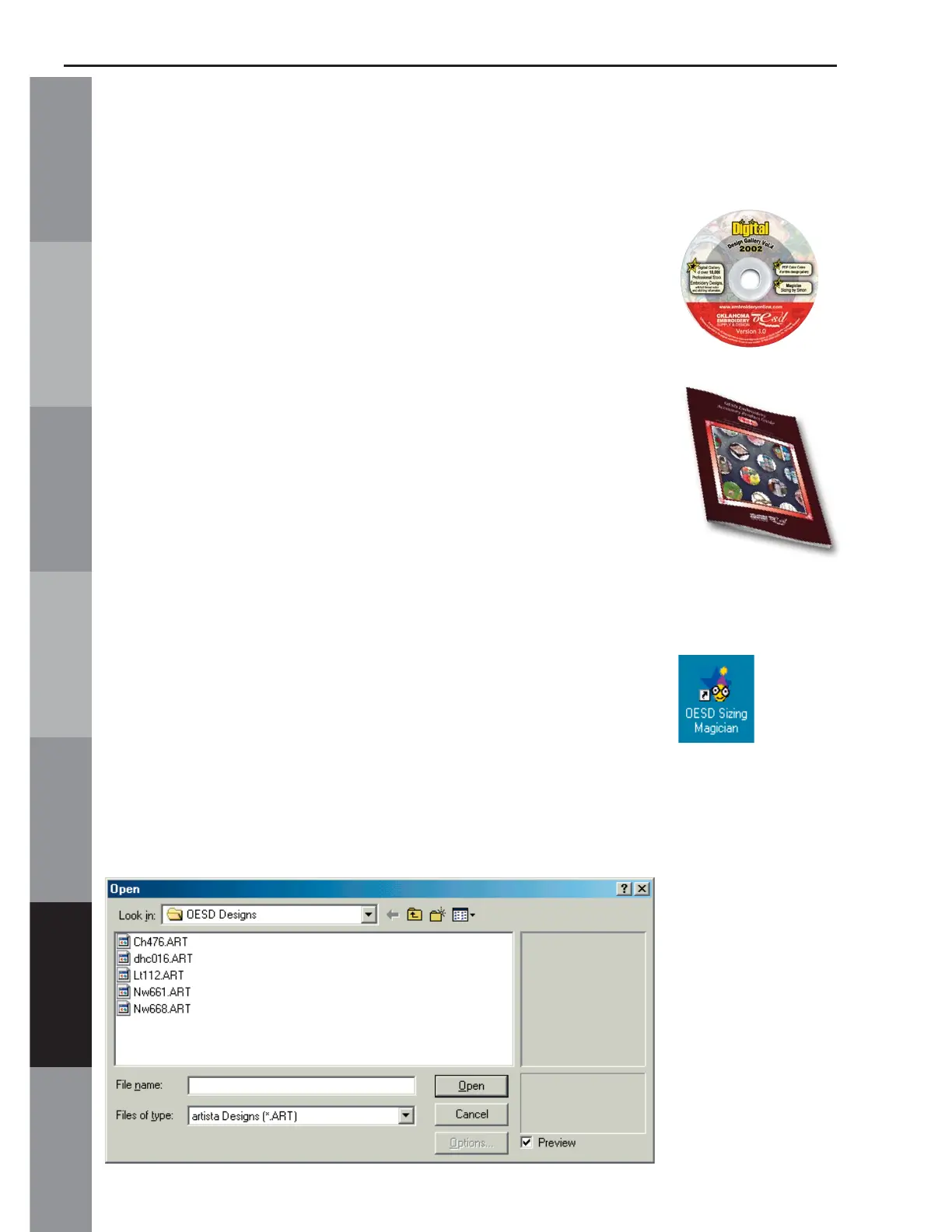
(Fig. H-CD) that is located in the
Product Guide
(Fig. H-PG) that came with the Mini
Magic Box. This program can be used to size,
mirror image and rotate ART designs.
Use this software to convert ART designs to another
format before Reading them to the Mini Magic Box
(see page #36).
Place the OESD Digital Design Gallery CD-ROM
into the CD-ROM drive and wait for it to open.
Follow the instructions to install the Magician Sizing
Software.
Open Magician Sizing by clicking the desktop icon
or going to Start, Programs.
When the program opens, click File, Open and
Look in: OESD Designs.
(Fig. MS-1)
Fig. MS-1
Fig. H-CD
Fig. H-PG



 To Next Page