Main Screen
Table of ContentsIntroductionInstallationMain ScreenQuick StartGeneral InformationColor Editor
Mini Magic Box - Design Card Converter
Mini Magic Box - Design Card Converter
Software Manual
63
D. Load (Noted in Fig. MS-2d, page 52)
Load is used to open designs from a purchased memory card or
Magic Card. There is only one button that makes up the Load
function. When a card is inserted, clicking Load will cause the
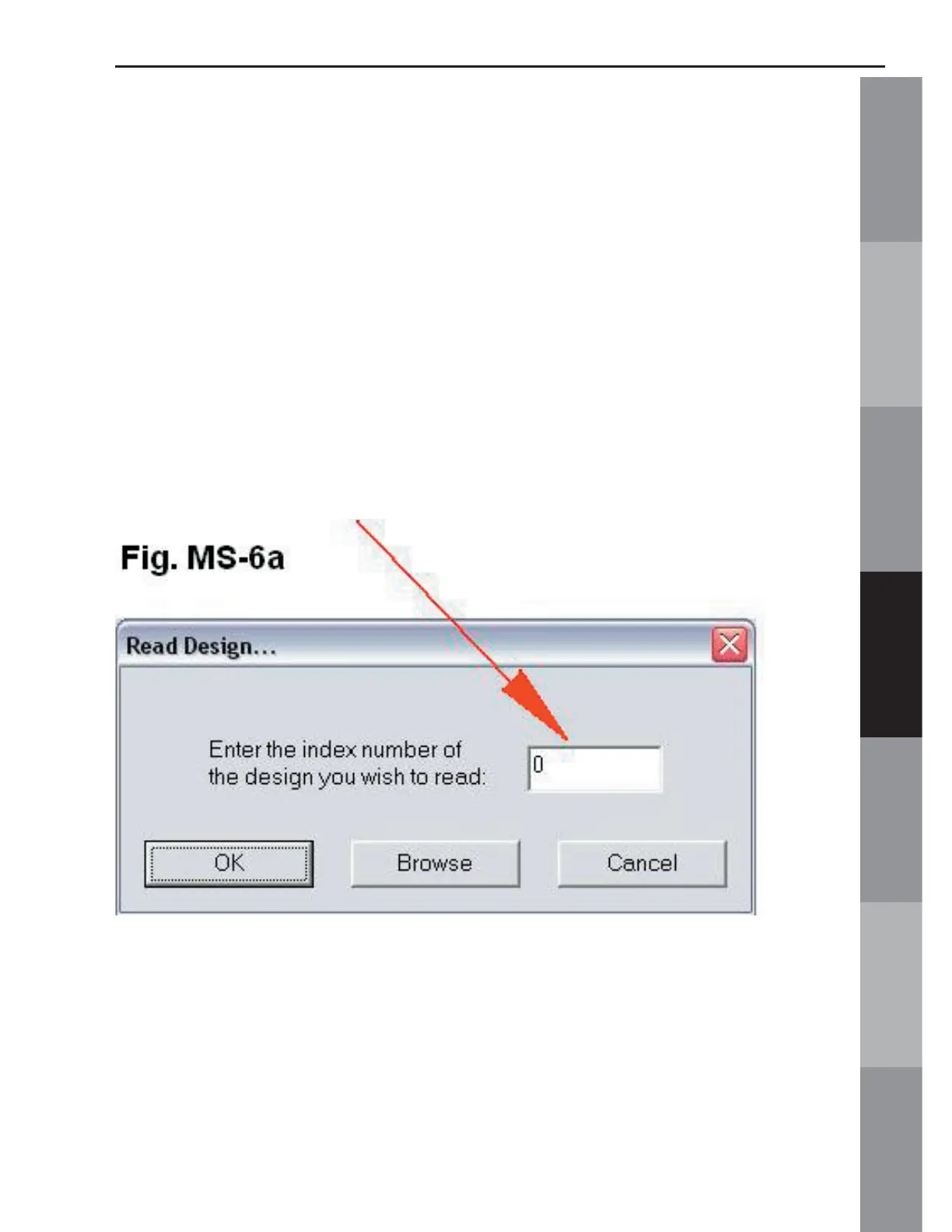
software to search and recognize the card. The Read Design
dialog box will open. (fi g. MS-6a below). For the following
exercise, an OESD design card was used.
1. Type in the desired design number (fi g. MS-6a Below).
2. After typing in the design number, click on OK and the design
will load.



 To Next Page