Quick Start
Table of ContentsIntroductionInstallationMain ScreenQuick StartGeneral InformationColor Editor
Mini Magic Box - Design Card Converter
Software Manual
85
Quick Start Lesson 1
This lesson will demonstrate how to Read designs from a CD-ROM
and Write them to a Magic Card.
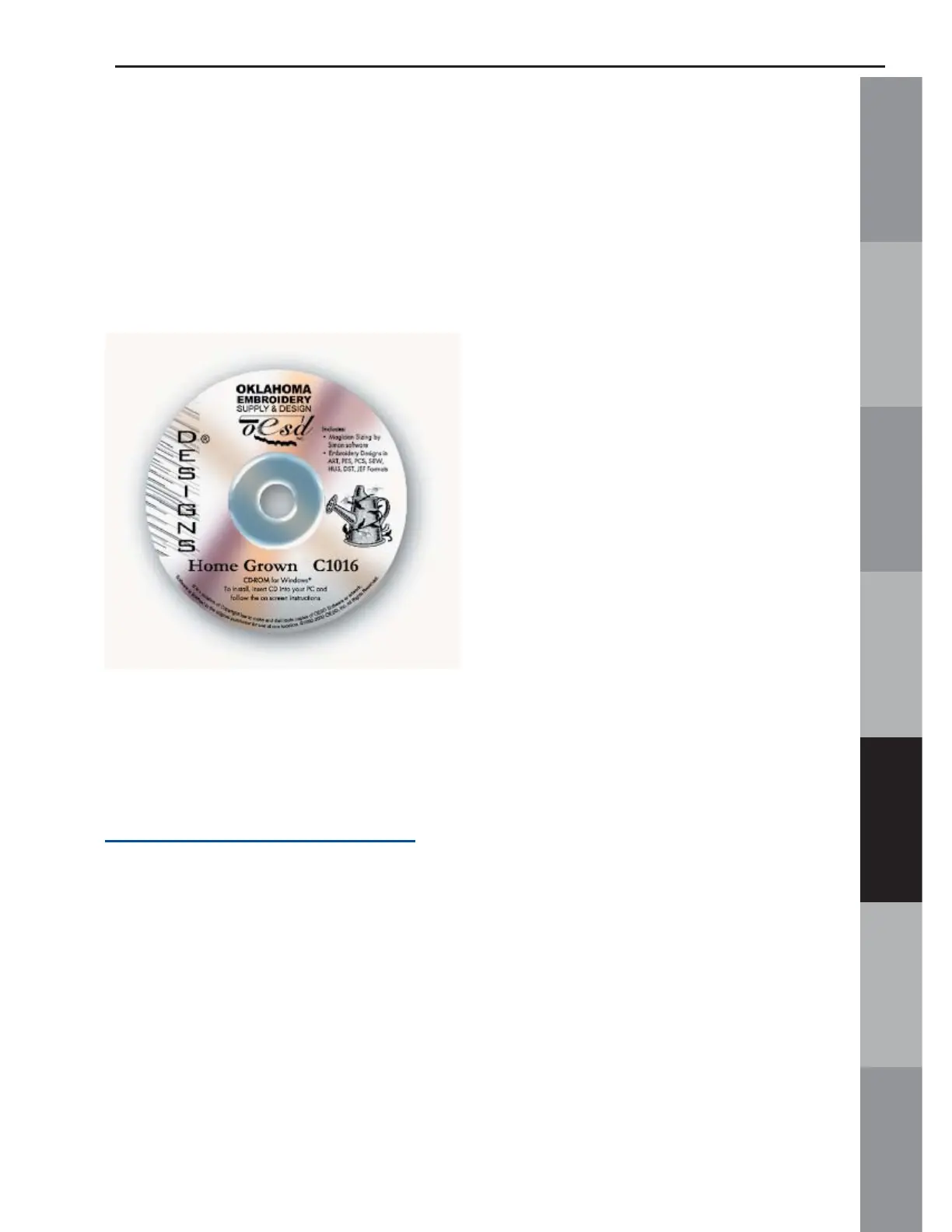
In this lesson we will use OESD’s “Home Grown” Premium Design
CD.*
*(Neither this CD-ROM nor any of the designs on this CD-ROM
are included with the Magic Box. This CD is also available
as an embroidery card. See a local OESD dealer or visit
www.embroideryonline.com
for more information. Projects for
OESD designs can be downloaded from the website.)
Notes:
• Designs can also be Read from the computer’s hard drive and from a fl oppy disk.
• All clicks of the mouse are LEFT clicks unless otherwise noted as right clicks.
• These directions are for the Standard Windows setting from the Options Menu.



 To Next Page