Quick Start
Color EditorGeneral InformationQuick StartMain ScreenInstallationIntroductionTable of Contents
Mini Magic Box - Design Card Converter
Software Manual
96
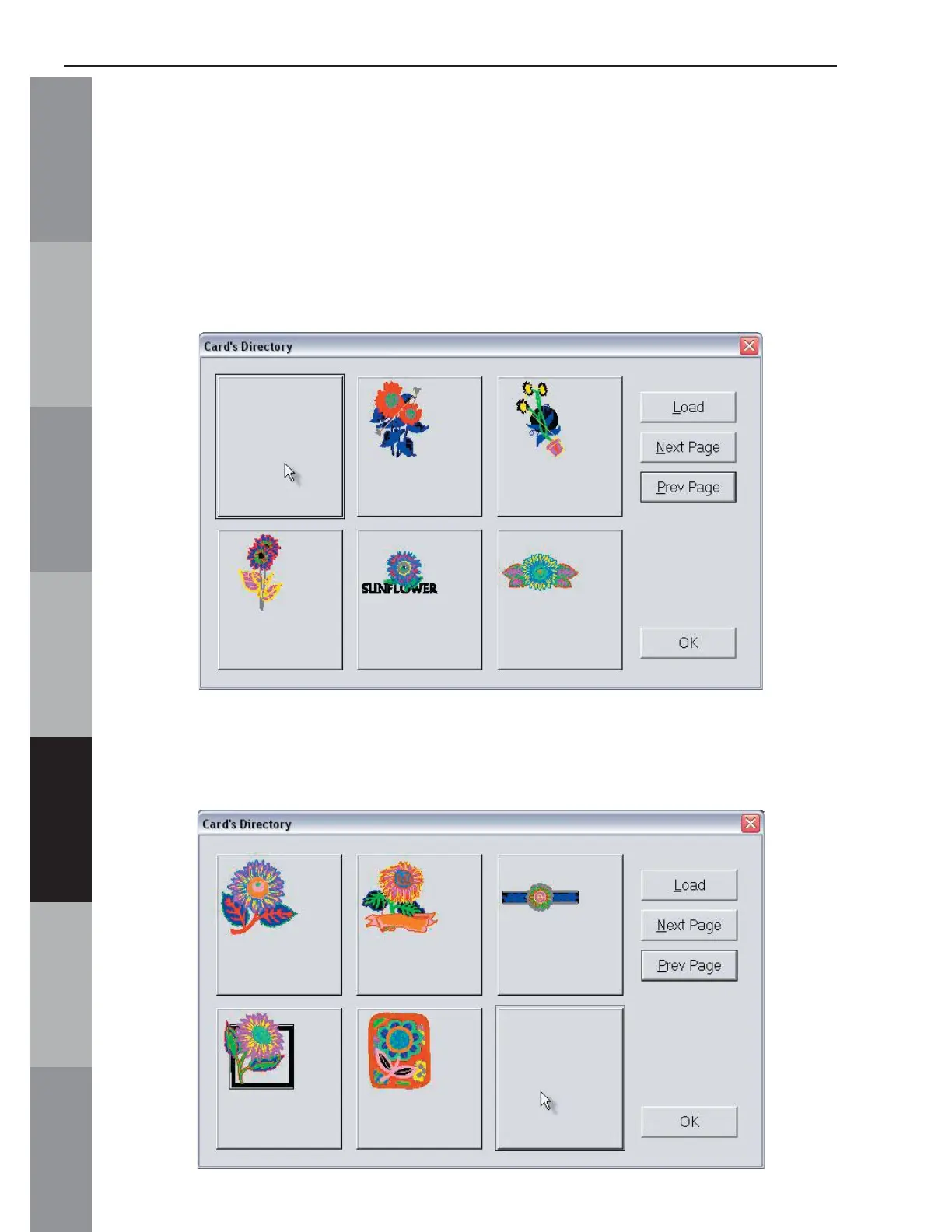
8. Click on the fi rst design and click Load (or double-LEFT click
on the design). The design will disappear from the Directory
screen but it will NOT be removed from the original design card.
Do not click the OK button until all of the desired designs have
been loaded. Remember, six designs can be loaded to a Magic
Card at one time.
9. Click “Next Page” and click on a design. Click Load and the
design will disappear from the Directory screen.



 To Next Page