DISPLAY SCREENS
3
5 of 30
When the unit powers on it displays the initial product identity screen for a few seconds and
then displays the Tank Display.
3.1 SCREEN / KEYPAD BRIGHTNESS CONTROL
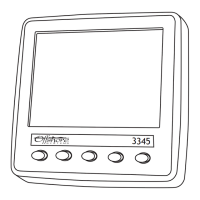
The unit has ve tactile buttons along its lower face and pressing any of the rst four buttons
will bring up the button bar which identies the current button function. Pressing the required
button will then execute the function chosen and the button bar will disappear a few seconds
later leaving the whole screen displaying the required data.
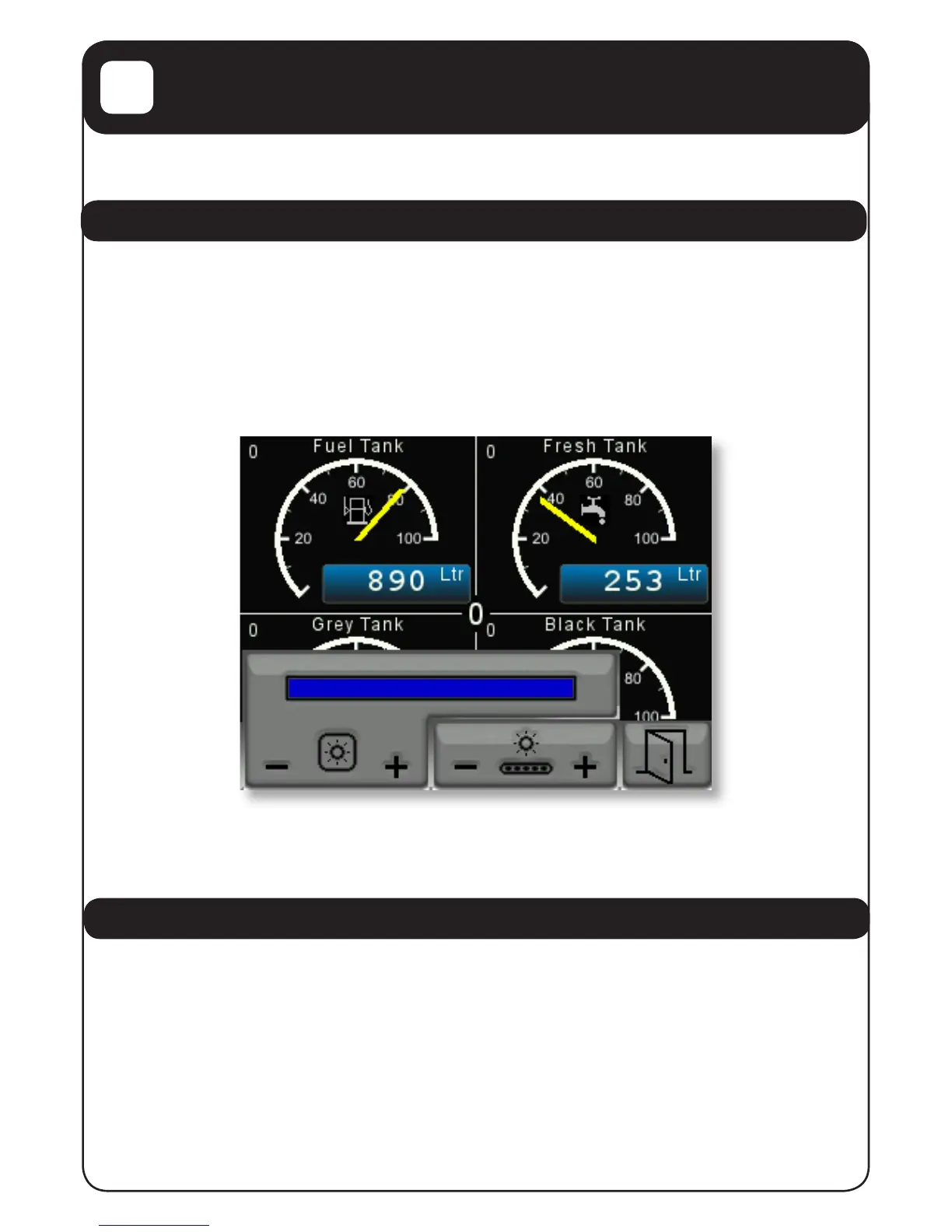
The fth button allows the user to vary the screen brightness and keyboard illumination which
is shown below.
Pressing the rst two buttons varies the screen brightness and the next two buttons vary the
key backlights. When the desired levels have been set press the fth button to clear the display
brightness control.
3.2 TANK DISPLAY
The rst display screen is Page 0 of the tank levels / volumes display and this can always be
selected by pressing the rst or most left hand button on the unit.
An example of this display is shown on the next page.


 To Next Page