EasyManua.ls Logo

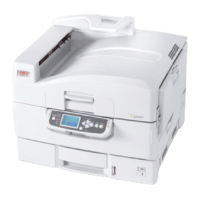
Oki C9600dn - User Manual

Oki C9600dn
130 pages
Print Icon
To Next Page IconTo Next Page
Loading...
USER’S GUIDE
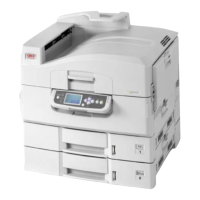
C9600n/C9600dn/C9600hdn/C9600hdtn
C9600
C9000

Table of Contents

Other manuals for Oki C9600dn

Questions and Answers

  • T
    Tina BeanSep 7, 2025
    What to do if an intermediate certificate has been installed on the print server of Oki C9600dn?
    • M
      margaretvaughnSep 7, 2025
      The print server supports only one certificate. If your CA service requires both an intermediate and an SSL server certificate for your Oki Printer, install the intermediate certificate on a client PC. Then delete the intermediate certificate from the printer using the web browser or the AdminManager utility, and install the SSL server certificate on the print server.

Oki C9600dn Specifications

General IconGeneral
Printer TypeColor Laser Printer
Print Resolution1200 x 1200 dpi
Max Resolution (DPI)1200 x 1200 dpi
Monthly Duty Cycle150, 000 pages
Duplex PrintingYes
Network ConnectivityEthernet
USB ConnectivityYes
ConnectivityEthernet, USB
Supported Media SizesA4, A5, B5, Legal, Letter

Related product manuals