Need help?
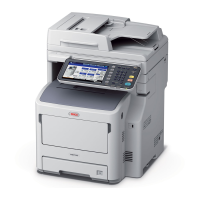
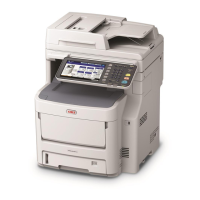
Do you have a question about the Oki MC780 and is the answer not in the manual?
Explains basic functions like printing, copying, faxing, and scanning.
Guides on connecting the machine and installing necessary drivers.
Details network configuration and IP settings for Windows.
Explains driver configuration and printing from Windows applications.
Guides on setting up and printing from Macintosh applications.
Covers placing originals, forgery prevention, and basic copying steps.
Explains default settings, color modes, and original modes for copying.
Explains using the multi-purpose tray for special paper or non-tray paper.
Provides instructions for copying envelopes using the multi-purpose tray.
Covers copying 1-sided to 2-sided and vice versa.
Details basic procedures for sending and receiving fax transmissions.
Explains basic functions like printing, copying, faxing, and scanning.
Guides on connecting the machine and installing necessary drivers.
Details network configuration and IP settings for Windows.
Explains driver configuration and printing from Windows applications.
Guides on setting up and printing from Macintosh applications.
Covers placing originals, forgery prevention, and basic copying steps.
Explains default settings, color modes, and original modes for copying.
Explains using the multi-purpose tray for special paper or non-tray paper.
Provides instructions for copying envelopes using the multi-purpose tray.
Covers copying 1-sided to 2-sided and vice versa.
Details basic procedures for sending and receiving fax transmissions.
 General
| Brand | Oki |
|---|---|
| Model | MC780 |
| Category | All in One Printer |
| Language | English |

 To Next Page