5699-E P-65
SECTION 4 INSPECTION, MAINTENANCE AND ADJUSTMENTS
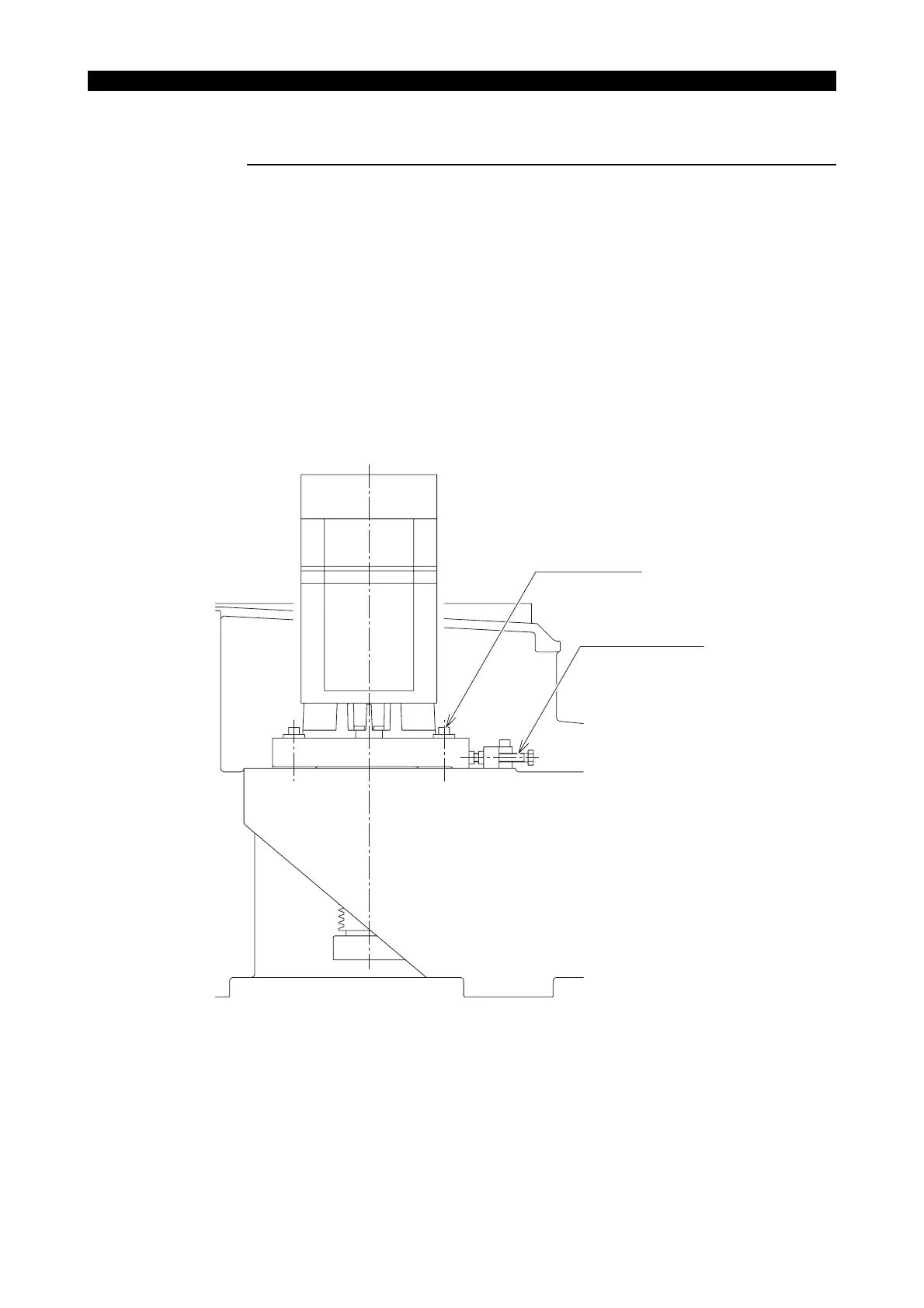
9-1. Adjusting the Belt Tension
Procedure :
1- Remove the pulley cover.
2- Tighten the four fixing bolts.
3- Tighten the two adjusting bolts.
4- After the belt is slack, gradually tighten the adjusting bolt to take up the slack of belt. Mark up
a point to where slackness is run out.
5- Start tightening the adjusting bolt again. Tighten the fixing bolt (4 bolts) onto the point 16 mm
(0.63 in.) off from the point marked in step “4-”.
6- Lock the adjusting bolt (2 bolts) and attach the pulley cover.
LE11214R0100600210001
Fixing bolt (4 bolts)
Adjusting bolt (2 bolts)



 To Next Page