MAESTRO PRO INVERTER
US-ENGLISH
US-ENG- 21
4 - MAINTENANCE AND CLEANING
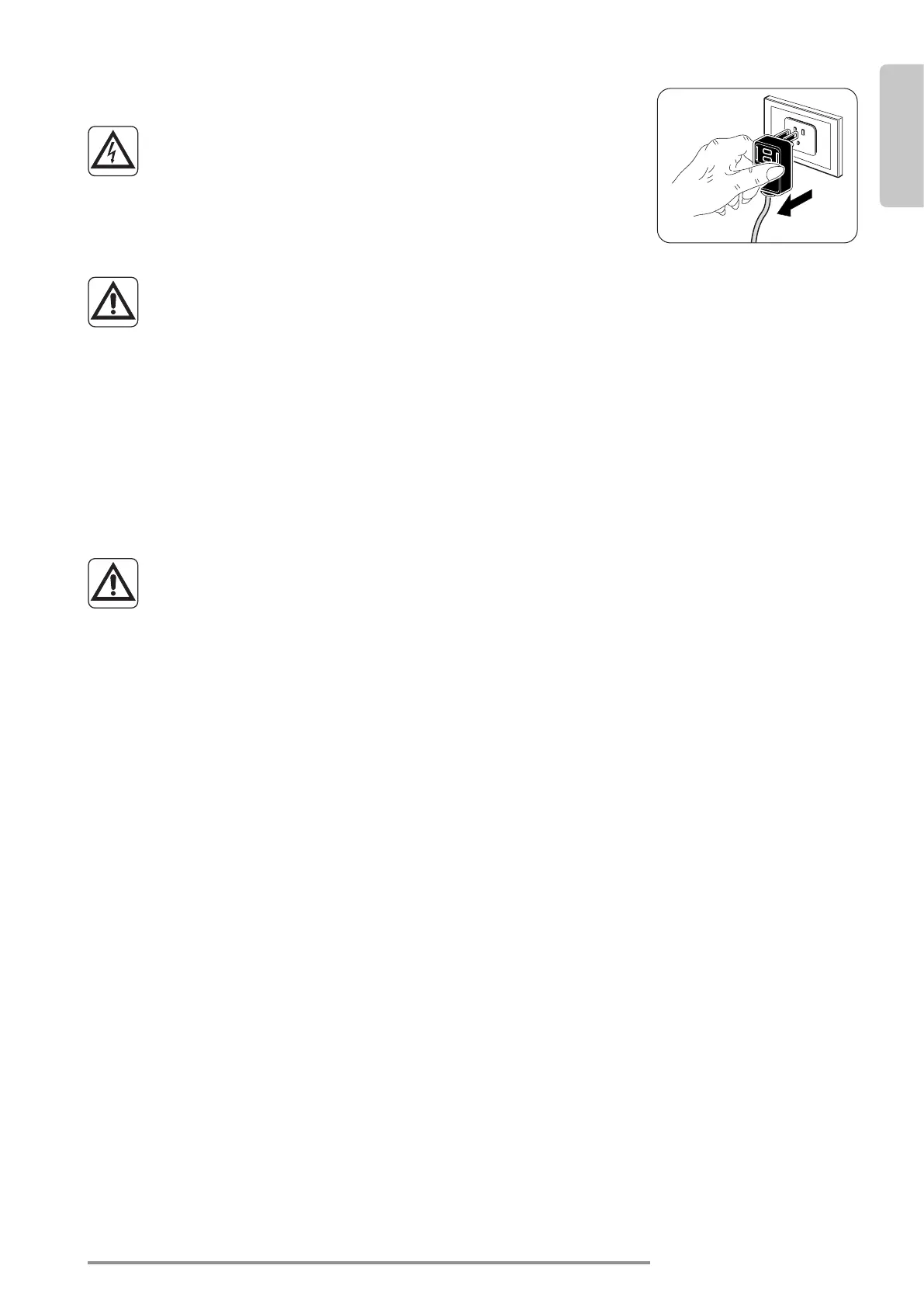
Before proceeding with any maintenance and cleaning,
always make sure the system has been switched o, using
the remote control, and the power supply plug has been
disconnected from the system socket (or the upstream
master isolating switch is positioned at “0” OFF).
To prevent cuts or injury avoid touching the metal parts of the unit when remov-
ing the air lters as they can be sharp.
4.1 - CLEANING
4.1.1 - Unit and remote control cleaning
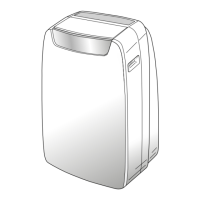
Useadryclothtocleantheunitandtheremotecontrol(g.44).Itispossibletouseaclothmoistenedwith
cold water to clean the unit if it is very dirty.
Usebetweentheairintakeanddischargegrilles(g.44).
Do not use a chemically treated or anti-static cloth to clean the unit.
Do not use gasoline, solvent, polish or similar solvents. These products could
deform or break the plastic surface.
4.1.2 - Cleaning the air lter
Toensureeectiveinternalairltration andsatisfactoryoperationofunit,theairlterhas tobecleaned
periodically.
Theairlterisatthetopoftheunit.
Filter removal:
a. Unplug or disconnect the unit from power.
b. Switchotheunitandwaitfortheclosureofthesupplyairap.
c. Manuallyraisethereturnairgrille(3)(g.28).
d. Raisethefrontpartofthelter(F)andslightlypullittowardsyourself(g.39).
e. Extractthetwoadditionallters(g.40)fromtheltergroup(F):(greenpuricationlterref.F1-black
activecarbonlterref.F2).
f. Perfectlywashanddryallthelters.
Filter reassembly:
g. Inserttheactivecarbonslter(black)(ref.F2)onthepinslocatedonthefrontpartofthelter(F)(g.41).
h. Insertthepuricationlter(green)(ref.f1)onthepinslocatedonthefrontpartofthelter(F)(g.41).
i. Reassemblethelter(F)byinsertingtherearedgeinsidethegrille(g.42).
l. Manuallyclosethereturnairgrille(3)(g.43).
In order to remove the dirty lter signal, after connecting the unit to the power source, simultaneously press,
for at least 5 seconds, the Stand-by and MODEbuttonslocatedonthecontrolpanel(seegureB)toremove
thedirtyltererrorfaultcodeandtherelatedcountissettozero.








 To Next Page