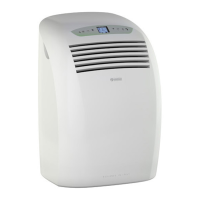
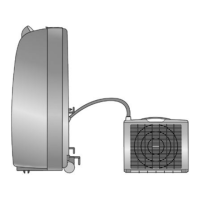
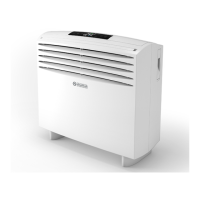
SILENT
ENGLISH
EN - 29
c. Press SW4 or SW5 to increase/decrease the delay time value shown by control panel display (from 1 to
12hours)afterwhichtheunitwillswitchON(startingfromtimerconrmation)
d. If no button is pressed within 5 seconds the timer setting function will terminate automatically.
ConrmthedesireddelaytimebypressingSW6.Thecontrolpaneldisplayshowsthedelaycountdown
to the switch ON operation;
e. When the delay time set has elapsed, the unit switches ON with previously selected settings.
f. To cancel the programmed switching-on, press SW3 again.
3.12.d - Setting switch-off timer from control panel
a. With the unit in any working mode, press SW3 to enable the desired time delay setting.
b. Press SW4 or SW5 to increase/decrease the delay time value shown by control panel display (from 1 to
12hours)afterwhichtheunitwillswitchOFF(startingfromtimerconrmation).
c. Ifnobuttonispressedwithin5secondsthetimersettingfunctionwillterminateautomatically.Conrm
the desired delay time by pressing SW3.
d. To cancel the programmed switching-off, press SW3 again.
3.13 - RESETTING ALL THE REMOTE CONTROL FUNCTIONS
(IF PRESENT)
Press the B12 button to reset all remote control settings.
By doing this, all the timer settings are cancelled and the remote control returns to its default settings.
To check the integrity of the display, press the B12 button and all possible symbols are displayed.
3.14 - TEMPERATURE MEASUREMENT UNIT SELECTION
(IF PRESENT)
Press button B13 on the remote control to change the temperature measurement unit indicated on the
display from FAHRENHEIT (the symbol F lights up on the remote control display) to CELSIUS (the symbol
°C lights up on the remote control display) or vice-versa.
3.15 - AIR FLOW DIRECTION CONTROL
Theairowcanbecontrolledhorizontallybymovingtheairdiverterns(22a)(g.24).


 To Next Page
 Loading...