HVBTR1600USERMANUAL
HVBTR1600_User_Manual_V1
FIRSTTIMEINSTALLATION
FIRSTTIMEINSTALLATION
PressPowerbuttontoswitchtheuniton.
Ifyouareusingtheunitforthefirsttimeor
haverestoredtheunittoFactoryDefault,the
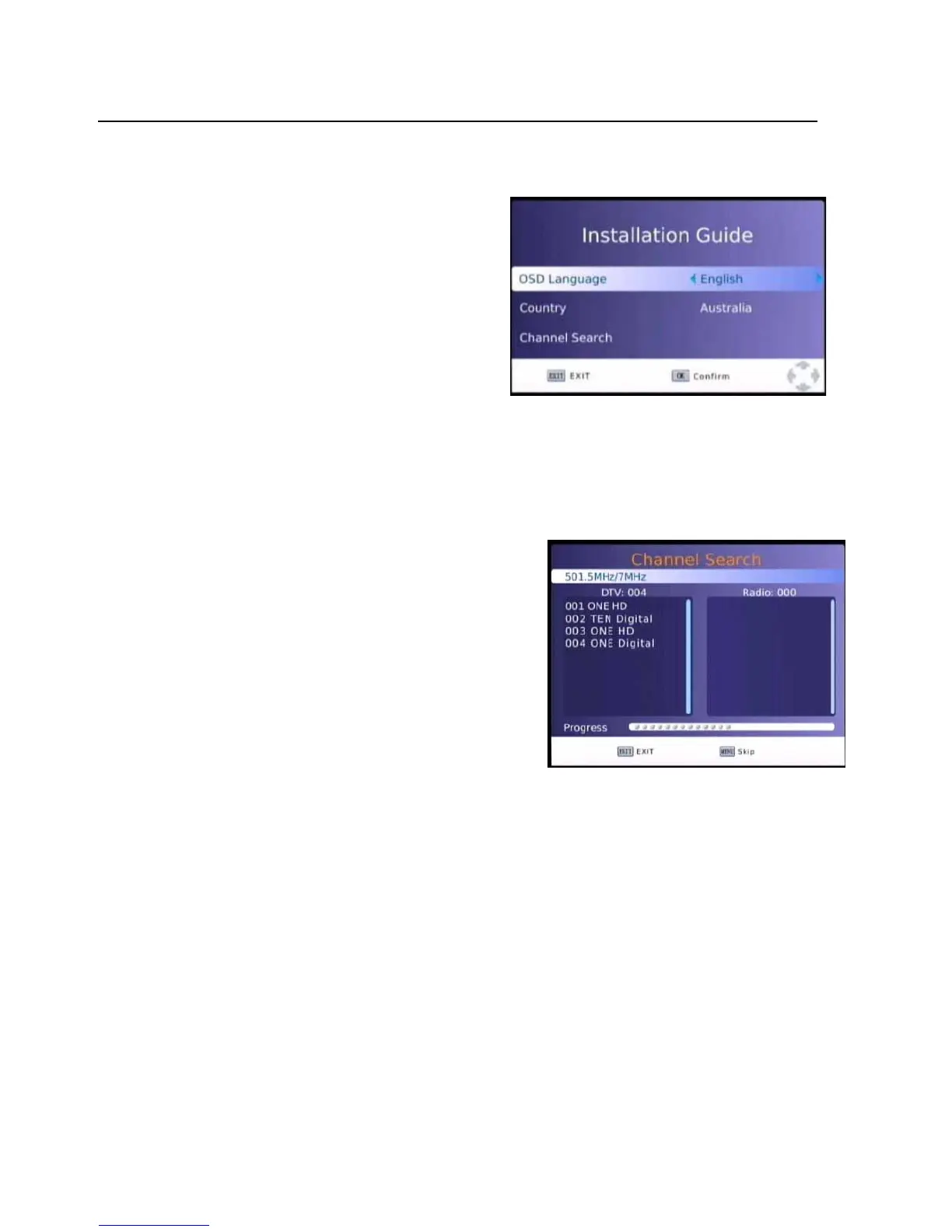
InstallationGuideMenuwillappearonyourTV
screen.
OSDLanguage
Toset
theOSD(OnScreenDisplay)Languagepress
theLEFT/RIGHTbuttonsontheremoteuntilthe
desiredLanguageisdisplayedandthenpressthe
DOWNbutton.
ChannelSearch
PressOKtostarttheChannelSearch.
TheSystemwillnowscanfortheavailablechannel
inyourarea.
FoundDVBTChannels
areshownintheleftwindow
andDVBRstationsaredisplayedintheright.
Totalprogressisdisplayedinthebarbelow.
PresstheEXITorMenuButtontostopthescanat
Anytime.
OncetheScaniscompletethefirstStationisshown.
-11-



 To Next Page