HVBTR1600USERMANUAL
HVBTR1600_User_Manual_V1
BASICOPERATION
BASICOPERATION
ChannelSelection
A.UsetheUPorDownButtonstogoupordown
throughthechannelsindividuallyor
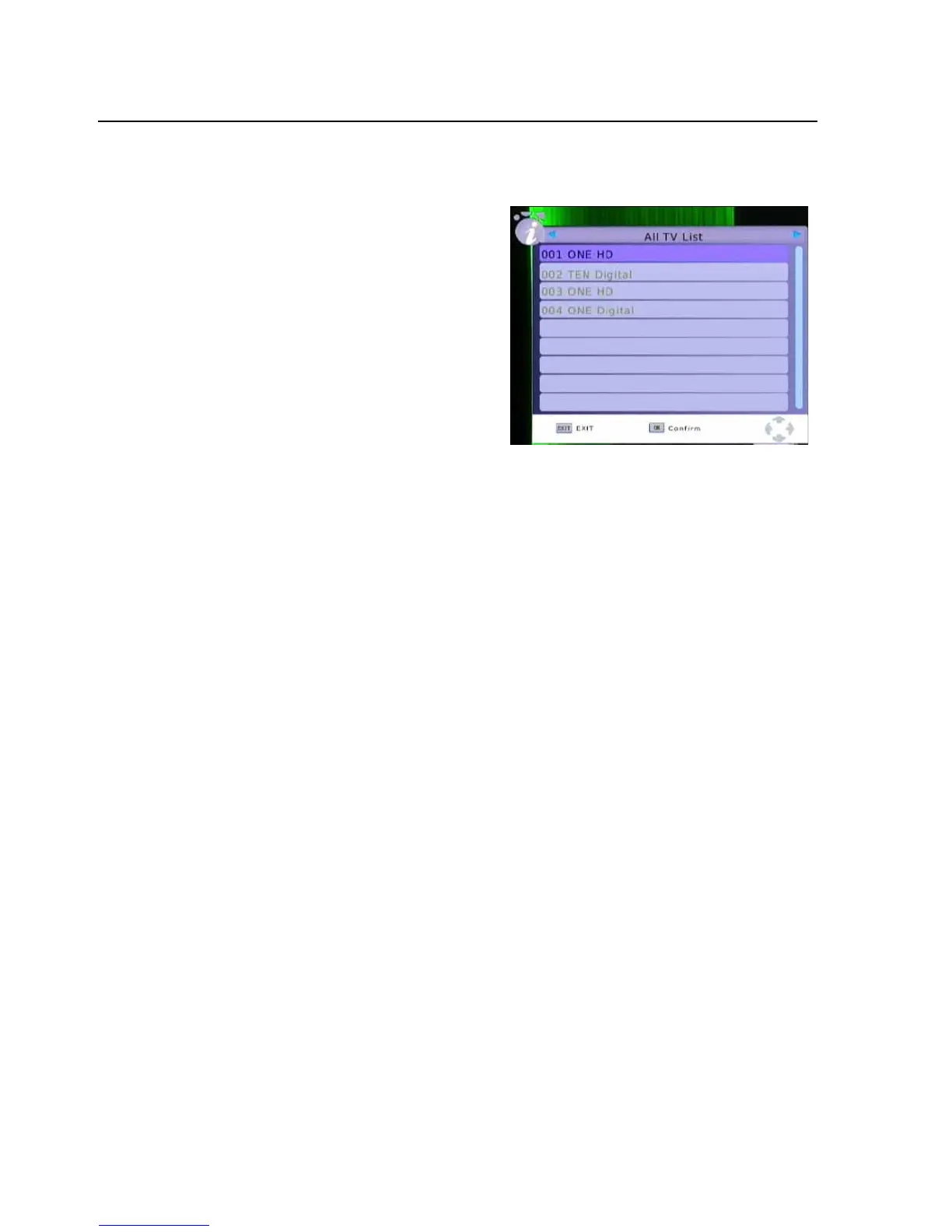
B.PresstheOKbuttontodisplaytheChannellist.
I.UsetheUP/DOWNbuttonstoselecta
channelandthepresstheOK
buttontoconfirm
selection.
I.PresstheLEFT/RIGHbuttontoChangeto
DVBRradiochannelList.
I.PresstheEXITbuttontoclosetthechannellistandreturntoTVviewing.
IfyouknowthechannelnumberitcanbeenteredindirectlyusingtheNumericKeyPad
.
VolumeControl
PresstheLEFT(VOL)buttontodecreasethevolume
PresstheRight(VOL+)buttontoincreasethevolume
PresstheMUTEbuttontomutetheaudiooutput.Pressagaintorestoreaudio.
ChannelInformation
PresstheINFObuttonontheremotecontroltodisplaythecurrent
channelandprogram
informationincluding:
z Currentchannelname,numberandcurrenttime.
z CurrentandNextprogramname,startandfinishtime
PresstheINFOButtonagaintoseemoredetailedinformationaboutthechannelandprogramas
wellassignalstrength.
-12-



 To Next Page