HVBTR1600USERMANUAL
HVBTR1600_User_Manual_V1
MAINMENU
Note:Pleasesee“SystemSetting”sectionlaterinthismanualformoreinformationonpassword
protection.
EPG&Scheduling
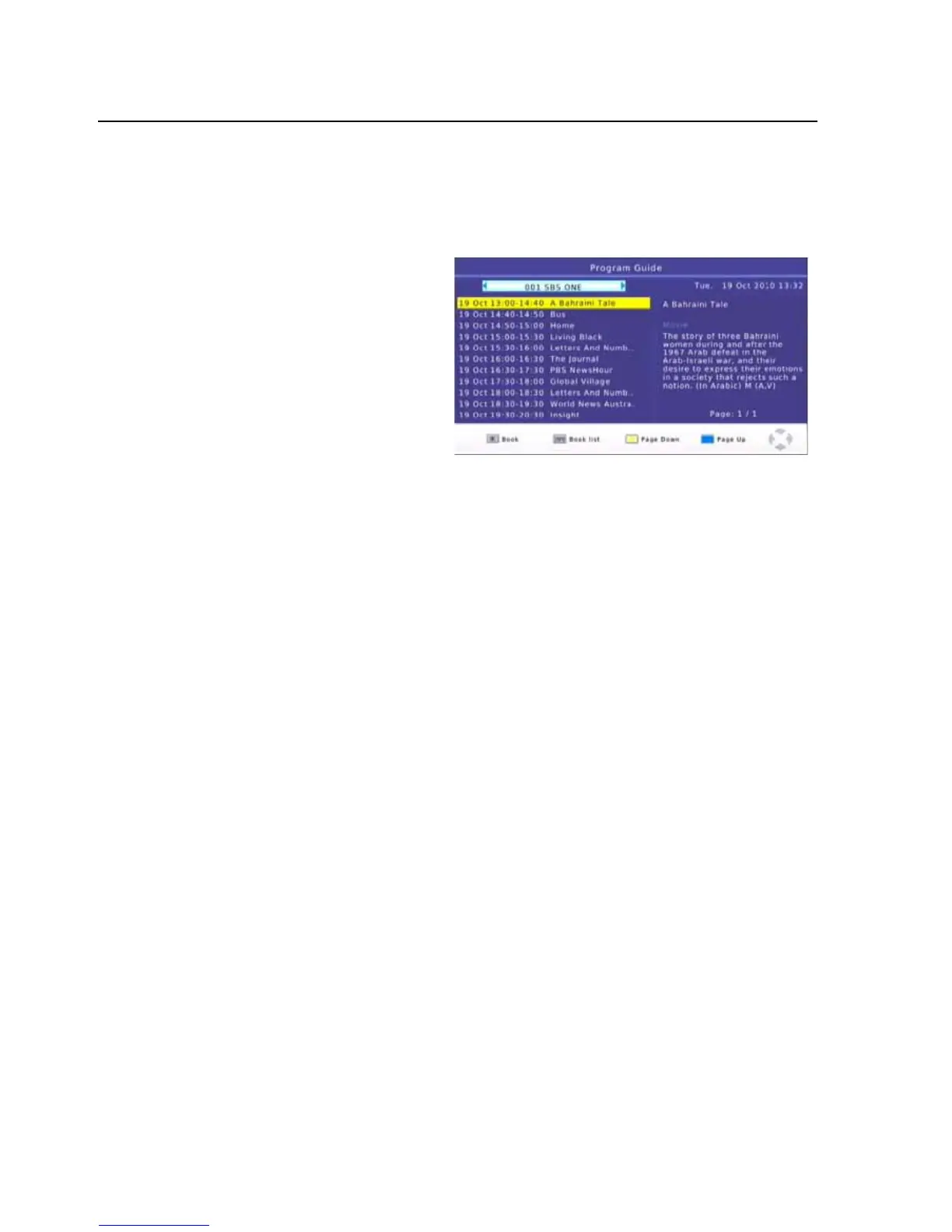
TheEPGisanonscreenTVguidethat
showsscheduledprogramsuptoseven
daysinadvanceforeverytunedchannel.
PresstheEPGbutton
ontheRemote
Controltoaccesstheguide.
UsetheLEFTandRIGHTbuttonstochange
thechannel.
UsetheUPandDOWNbuttontoscrollthroughtheEPGandhighlighttheprogramyouare
interestedin.Theprograminformationisdisplayedontherighthandsideofthewindow.
Ifmore
thanonepageofinformationisavailableusetheYELLOWorBLUEbuttonstodisplaythedifferent
pages.
Onceyouhavefoundaprogramthatyouareinterestedinyoucansetaremindertoviewthe
programorrecorditifyouarenotgoingtobeavailabletowatchit.PresstheOKbuttontoBookor
Scheduleandprogram.
UsetheUPandDOWNbuttonstoselecttheoptiontochangeandtheusetheLEFTorRIGHT
buttontochangeit.
Allfieldswilldefaulttothedetailsoftheprogramthatyouhaveselected.
-14-



 To Next Page