HVBTR1600USERMANUAL
HVBTR1600_User_Manual_V1
PVR
FUNCTION
PVRFunction
BaseonUSBPVRfunctionyoucouldrecordthepreferenceprogramandplayback.Instant
recording,EPGrecordingandtimerrecordingwereavailable.
InstantRecording
PressREC.keytostartinstantrecordingduringwatchTVandtherecordingsymbolwouldbe
displayonthelefttopofthescreen.
PressINFO.keytogetfurthermoreinformationofinstant
recording.PressSTOPkeytostopinstantrecording.
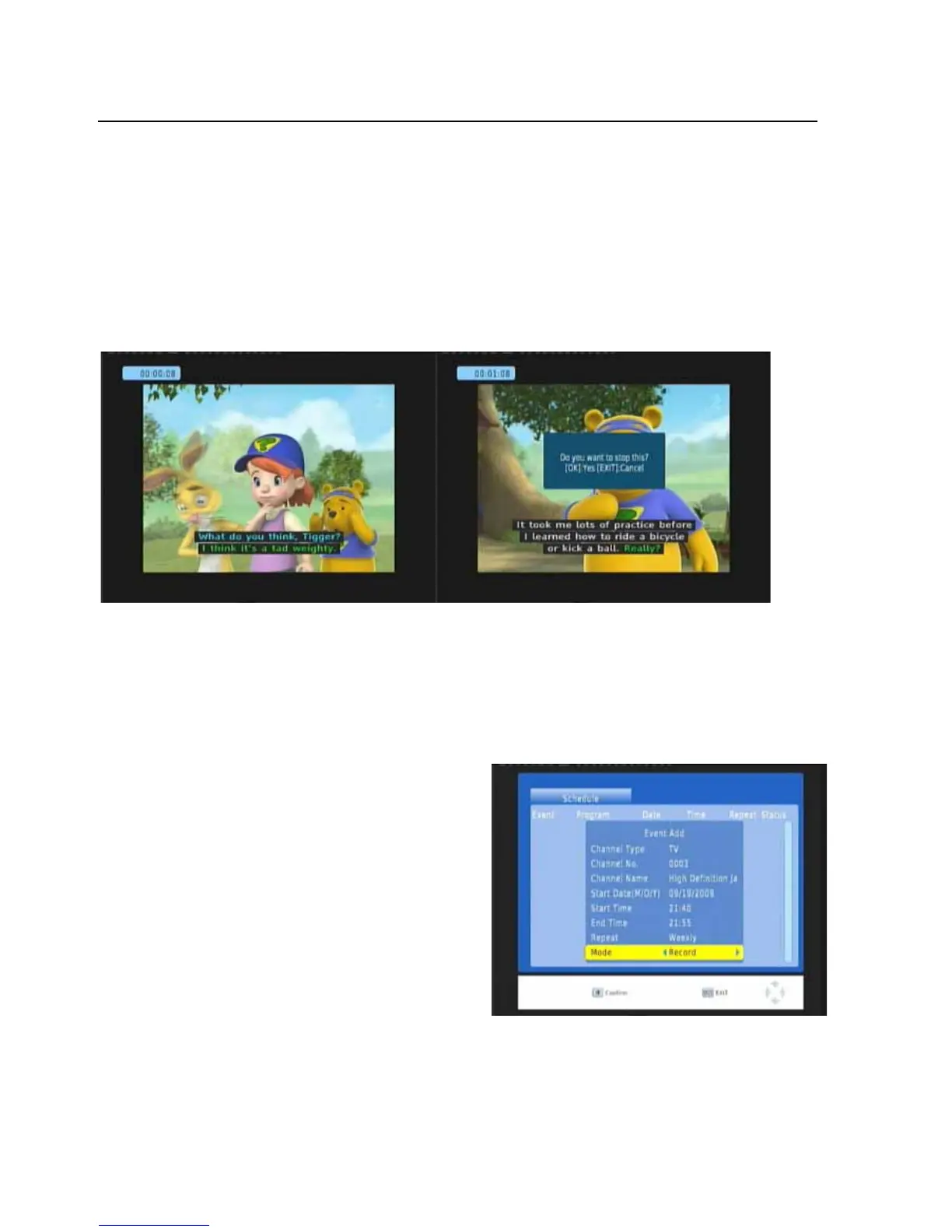
EPGRecording
IfyouwillneverlossanypreferenceprogrambaseonfullyEPGrecordingfeature.PressOKkeyto
startEPGrecordingwhileyoubrowsertheEPG.YoualsocouldeditordeleteEPGrecordingevent
onschedulewindow.
PressLEFT/RIGHTkeytochoosethechannel
PressLEFT/RIGHTkey
tochoosetheScheduleMode
Press “0…9” number key on the remote control
tosettheEventtime
PressOKkeytoconfirm
PressEXITkeytoexit
P
-24-



 To Next Page