3-66 d-COLOR MF654/MF554/MF454/MF364/MF304/MF254
Using a USB memory device
3
3.6
3.6 Using a USB memory device
3.6.1 Printing data in a USB memory device
Data saved in the USB memory device can be printed. This function is useful when printing data created on
a computer that is not connected to the network.
Available USB memory device
- Compatible with USB version 2.0/1.1 interface
- Formatted in FAT32
- Without security function added, or with security function that can be turned off as required
- There is no upper limit for the memory size.
Available printing file types
- PDF, Compact PDF, JPEG, TIFF, XPS, Compact XPS, OOXML (.docx/.xlsx/.pptx), and PPML
(.ppml/.vdx/.zip)
- Other file types are not supported on this machine.
Printing data
1 Connect a USB memory device to this machine.
NOTICE
Use the USB connector on the side that is near the Control Panel.
Do not use a USB device other than a flash-memory device.
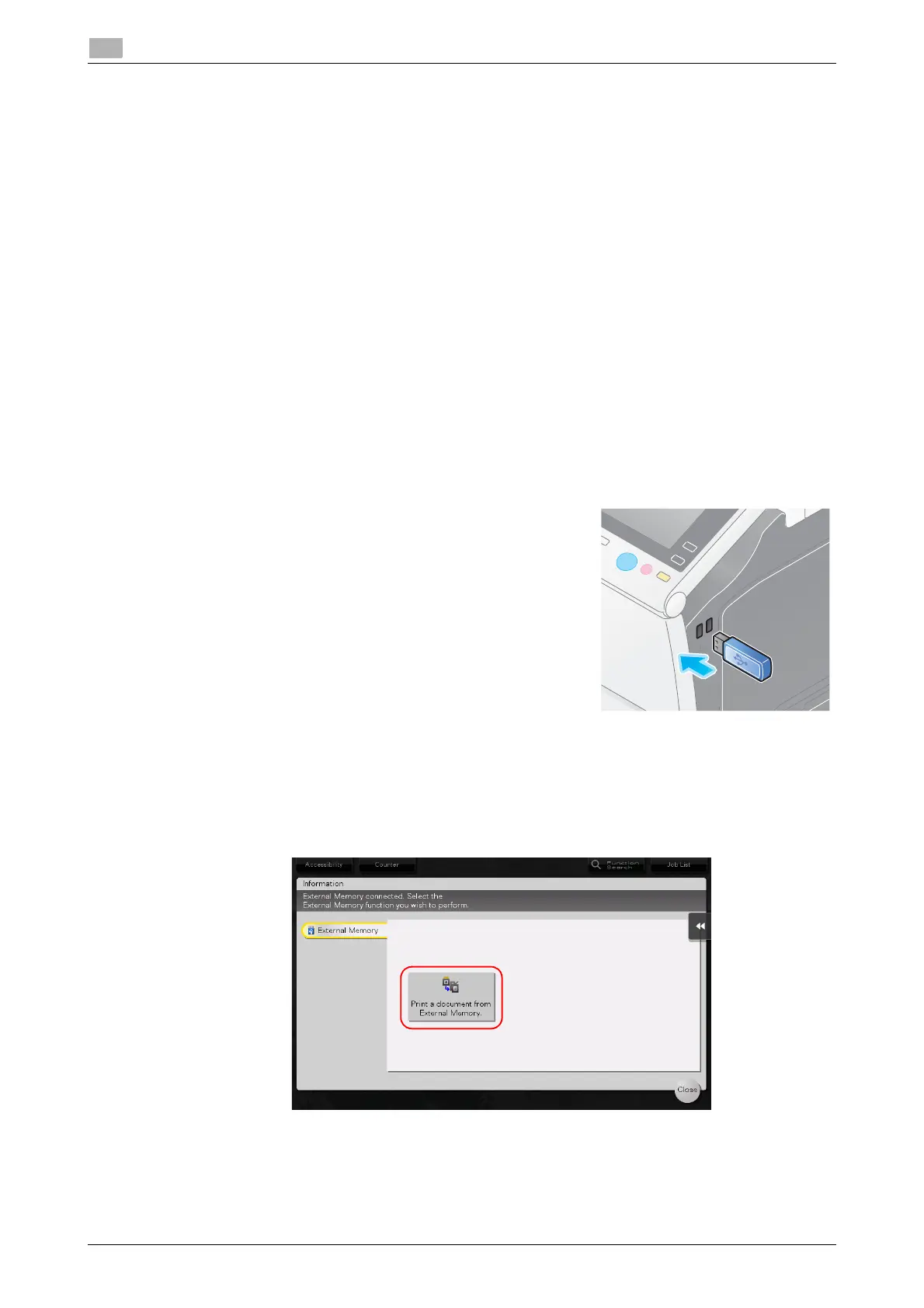
2 Tap [Print a document from External Memory.].



 To Next Page
 Loading...







