
 Need help?
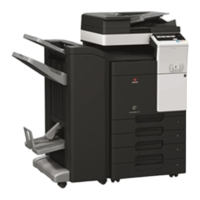
Do you have a question about the Olivetti d-Color MF 220 and is the answer not in the manual?
Introduction to the Web Browser function, its specifications, and available operations.
How to access the Image Panel screen and its basic operation.
Encrypting PDF documents with passwords or digital IDs and adding signatures.
Specifying priority for accuracy or speed in OCR processing.
Settings for language selection and automatic page rotation for OCR.
Managing control panel environment and personalizing user experience.
Customizable items for My Panel settings including language, keys, and display.
Centrally managing personal address books across network MFPs.
Registering and editing addresses (one-touch, groups) via control panel.
 General
| Brand | Olivetti |
|---|---|
| Model | d-Color MF 220 |
| Category | All in One Printer |
| Language | English |








 To Next Page