System Menu
ADVANCED OPERATION GUIDE 6-23
6
3
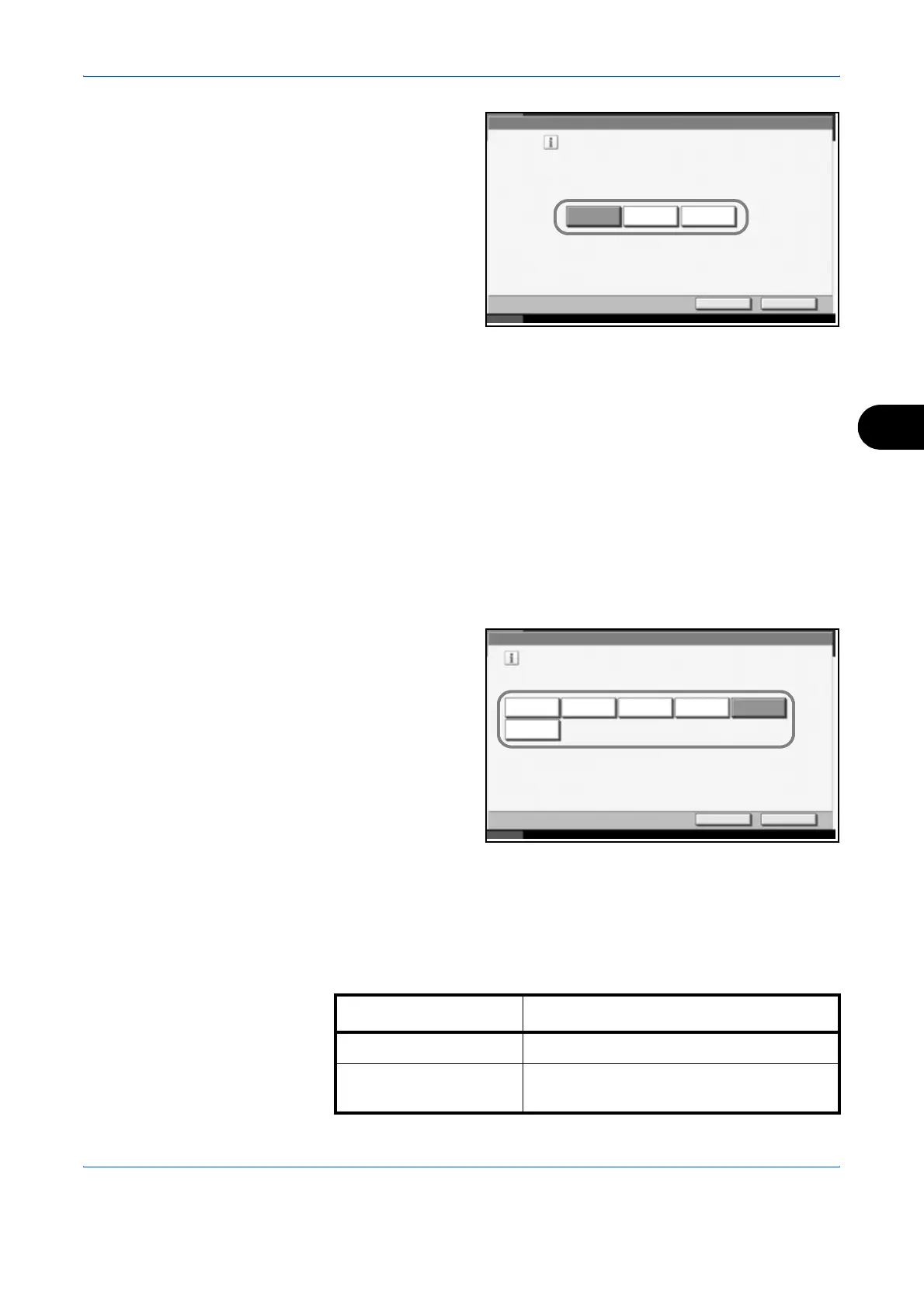
Select the default for
[Text+Photo], [Text]
or [Photo].
4
Press [OK].
Scan Resolution
Select the default scanning resolution. The options are 600x600dpi,
400x400dpi Ultra Fine, 300x300dpi, 200x400dpi Super Fine, 200x200dpi
Fine, 200x100dpi Normal.
Use the procedure below to select the default resolution setting.
1
Press the System Menu key.
2
Press [Common Settings], [Next] of Function Defaults and then [Change]
of Scan Resolution.
3
Select the default
resolution.
4
Press [OK].
Color Selection
Select the default scanning color setting. The available default settings are
shown below.
Common Settings - Original Image
Set the default original document type.
Text+Photo
Text
Cancel OK
Status 10/10/2007 10:10
Photo
Common Settings - Scan Resolution
Select default scan resolution.
400x400dpi
Ultra Fine
600x600dpi 300x300dpi
Cancel OK
Status 10/10/2007 10:10
200x400dpi
Super Fine
200x200dpi
Fine
200x100dpi
Normal
Color mode Description
Full Color Scan document in full color.
Grayscale Scan document in grayscale for smoother
and finer finish.



 To Next Page