6
5. Click Next to continue with installing the program.
Follow the instructions provided on the screen to complete installation.
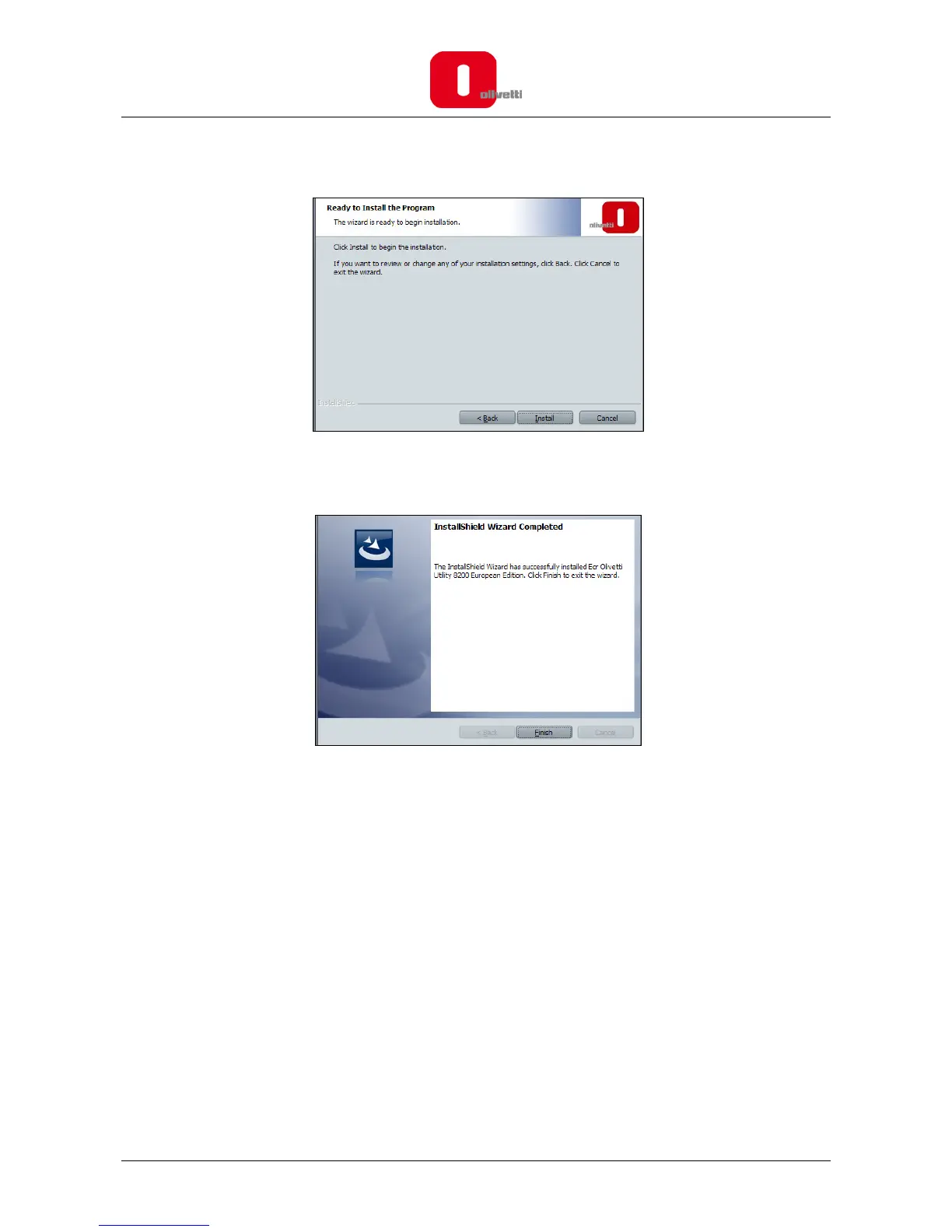
6. Click to Install. Wait until installation terminates.
7. At the end, the message “Installation of ECR Programming Utility complete” is displayed to
indicate that the setup procedure has been completed successfully.
8. Click Finish.
9. To use the software, you must now configure the system for your operating system.
If you are using the Windows XP operating system, refer to the section “Configuring the ECR
Programming Utility for Windows XP”
or
If you are using the Windows Vista/7 operating system, refer to the section “Configuring the ECR
Programming Utility for Windows Vista or Windows 7”.















 To Next Page