EasyManua.ls Logo

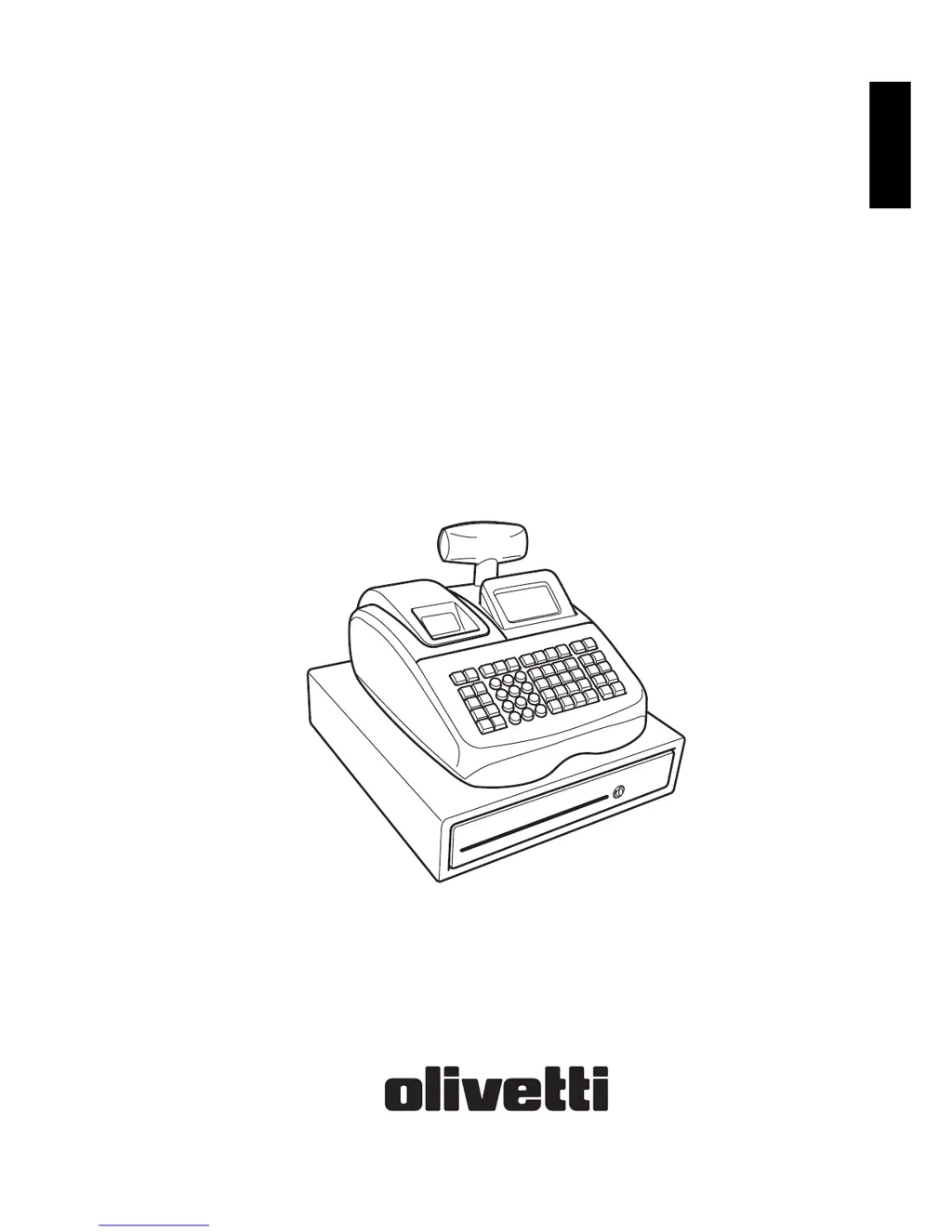
Olivetti ECR 7900 - User Manual

Olivetti ECR 7900
62 pages
Print Icon
To Next Page IconTo Next Page
Loading...
ENGLISH
C
as
h
R
eg
i
ster
ECR 7900
USER'S GUIDE
GUIDE USAGER
ANWENDERHANDBUCH
GUÍA DE USUARIO
GEBRUIKSAANWIJZING
GUIA DO UTILIZADOR
BRUGERVEJLEDNING
BRUKSANVISNING

Table of Contents

Other manuals for Olivetti ECR 7900

Questions and Answers

Summary

Major Features of the Cash Register

Cash Register Components

Keypad Functions

Using the Menus

MAIN MENU

Primary menu for accessing cash register functions.

Quick Start Programming

Setting Your Language and EJ;PLU Requirements

Setting Language and PLU;EJ Memory

Configure language and memory for PLUs and Electronic Journal.

Setting Date Format

Choose the desired date format for the system.

Setting Date

Enter the current date in the selected format.

Setting Time Format

Choose the desired time format (12H or 24H).

Sales Programming

Creating Department Group Names

Assign names up to 12 characters for department groups.

Programming PRICE LOOK-UPS (PLUS)

PROGRAMMING PERCENTAGE DISCOUNT;ADD-ON KEYS

PROGRAMMING DISCOUNT;ADD-ON KEYS

Configuring Your Cash Register

Changing Cash Register Programming

Optional configuration of date, time, sales functions, VAT, clerks, and passwords.

Initial Setup

Set parameters like date/time format, ECR number, and power saving.

Operation Mode

Specify options affecting financial transactions like VAT rates.

Receipt Printing Mode

Program the type of information printed on customer receipts.

Report Printing Mode

Program content and fonts for reports.

Clerk System

Activate security features for monitoring transactions and sales of clerks.

Individual Clerk

Assign operational status and passwords to each clerk.

Electronic Journal

Configure electronic journal storage and related parameters.

Function Key Setup

Program parameters affecting function keys like CASH, CHECK, CREDIT.

Advanced Settings

Configure manager passwords, key mapping, and key sequences.

Counter Settings

Set starting numbers for receipts and counters.

Receipt Printing Mode

Report Printing Mode

Clerk System

Individual Clerk

Electronic Journal

Function Key Setup

Advanced Settings

Free Key Layout

Change key mapping for functions.

Popup List Function

Reprogram operations displayed in pop-up lists.

Logging Onto the System

Using the Memory Storage Device (SD)

System Initialization

Management Reports

X AND Z REPORTS

Details on X and Z reports for transaction data.

Printing X Reports

Printing Z Reports

Voiding a Complete Sales Transaction

Refunding Multiple Items

Registering Multiple Void and Refund Transactions

Voiding the Previous Entry in the Middle of a Sale

Holding and Recalling a Sales Transaction

Error Conditions

Cash Register Reset Operations

Cash Register Specifications and Safety

Technical Characteristics

Details on the cash register's type, displays, printer, and power.

Summary

Major Features of the Cash Register

Cash Register Components

Keypad Functions

Using the Menus

MAIN MENU

Primary menu for accessing cash register functions.

Quick Start Programming

Setting Your Language and EJ;PLU Requirements

Setting Language and PLU;EJ Memory

Configure language and memory for PLUs and Electronic Journal.

Setting Date Format

Choose the desired date format for the system.

Setting Date

Enter the current date in the selected format.

Setting Time Format

Choose the desired time format (12H or 24H).

Sales Programming

Creating Department Group Names

Assign names up to 12 characters for department groups.

Programming PRICE LOOK-UPS (PLUS)

PROGRAMMING PERCENTAGE DISCOUNT;ADD-ON KEYS

PROGRAMMING DISCOUNT;ADD-ON KEYS

Configuring Your Cash Register

Changing Cash Register Programming

Optional configuration of date, time, sales functions, VAT, clerks, and passwords.

Initial Setup

Set parameters like date/time format, ECR number, and power saving.

Operation Mode

Specify options affecting financial transactions like VAT rates.

Receipt Printing Mode

Program the type of information printed on customer receipts.

Report Printing Mode

Program content and fonts for reports.

Clerk System

Activate security features for monitoring transactions and sales of clerks.

Individual Clerk

Assign operational status and passwords to each clerk.

Electronic Journal

Configure electronic journal storage and related parameters.

Function Key Setup

Program parameters affecting function keys like CASH, CHECK, CREDIT.

Advanced Settings

Configure manager passwords, key mapping, and key sequences.

Counter Settings

Set starting numbers for receipts and counters.

Receipt Printing Mode

Report Printing Mode

Clerk System

Individual Clerk

Electronic Journal

Function Key Setup

Advanced Settings

Free Key Layout

Change key mapping for functions.

Popup List Function

Reprogram operations displayed in pop-up lists.

Logging Onto the System

Using the Memory Storage Device (SD)

System Initialization

Management Reports

X AND Z REPORTS

Details on X and Z reports for transaction data.

Printing X Reports

Printing Z Reports

Voiding a Complete Sales Transaction

Refunding Multiple Items

Registering Multiple Void and Refund Transactions

Voiding the Previous Entry in the Middle of a Sale

Holding and Recalling a Sales Transaction

Error Conditions

Cash Register Reset Operations

Cash Register Specifications and Safety

Technical Characteristics

Details on the cash register's type, displays, printer, and power.

Olivetti ECR 7900 Specifications

General IconGeneral
BrandOlivetti
ModelECR 7900
CategoryCash Register
LanguageEnglish

Related product manuals