General Overview
Description of Operating Sequences in the Manual BECCO Plus
10
Description of Operating Sequences in the Manual
Represents the keys
Activate Represents text in the display
Indicates icons in the display
1. This indicates the first step in a set of instructions.
2. This indicates the next step in a set of instructions.
NOTE This indicates important, additional information regarding the task
currently being completed on the mobile phone.
This indicates helpful information intended to simplify using the
mobile phone.
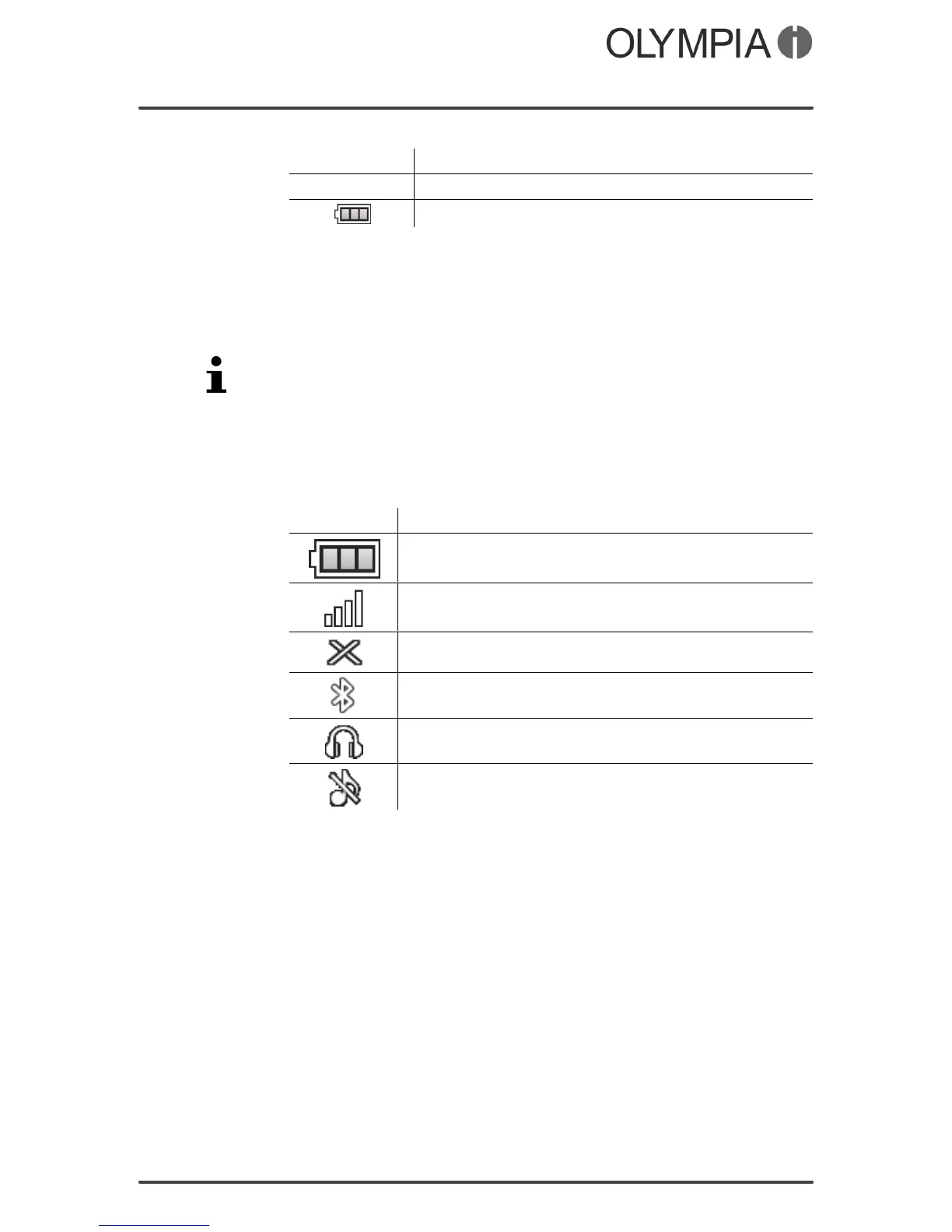
Display Icons
The table below indicates a series of display icons which frequent
ly appear and indicate a specific status of the mobile phone.
Symbol Significance
Battery charge
Network availability
SIM not inserted
Bluetooth is switched on
Headphone is connected
Silent mode



 To Next Page