G
22
2.2 Switching On the Mobile Phone
1 Press the On/O button for 3 seconds.
▸ The mobile phone is switched on.
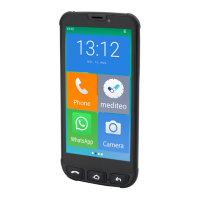
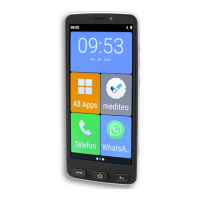
The start screen appears after a short time.
Whenstartingthemobilephoneupforthersttime,pleasepro-
ceed with the initial installation as described on Page 24.
2.3 Switching O the Mobile Phone
1 Press the On/O button for 3 seconds.
2 Tap on the ┣Off┫ button.
▸ Themobilephoneisswitchedo.Thescreendisplaygoes
out.


 To Next Page