G
56
6 Troubleshooting
Even in the case of the mobile phone, it is possible that something
does not work as it should.
The following information should help to solve the problem.
6.1 Restarting the Mobile Phone
1 Press the On/O button for 3 seconds.
2 Tap on the ┣Restart┫ button.
▸ The mobile phone is restarted.
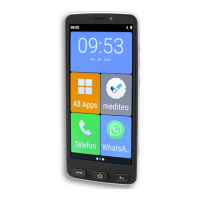
3 Wait until the start screen appears in the display.
If the mobile phone cannot be restarted in this way, proceed as
follows:
1 Remove the battery from the mobile phone and wait a mo-
ment.
2 Insert the battery back in the phone (see Page 17).
3 Press the On/O
button for 3 seconds to switch the
mobile phone on.


 To Next Page