G
52
5.5 Surng in Internet
A web browser (Chrome) is already installed on the mobile phone
which can be used to surf in internet and visit web sites.
NOTE: To avoid extra costs, you need access to a wireless
network(WIFI/WLAN)orareasonabletarifromyourmobile
phone provider.
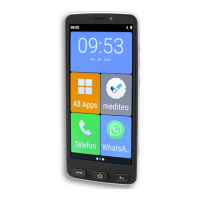
1 Navigate to ┣All Apps┫ > ┣Chrome┫.
NOTE:Whenopeningthewebbrowserforthersttime,you
must read the site policy and accept it, if you agree.
2 Enterthesearchtermyourequireorthespecicwebsitein
theinputeld.
▸ Theresultofthesearchorwebsitespeciedisdisplayed.
5.6 Calculator
A calculator is already installed on your mobile phone.
1 Navigate to ┣All Apps┫ > ┣Calculator┫.
2 Tap on the required operation.
NOTE: The blue arrow enables you to use the functions assigned
toascienticcalculator.


 To Next Page