G
33
2.9 Mobile Phone Menu
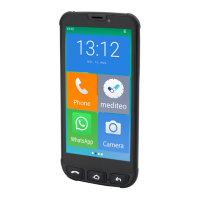
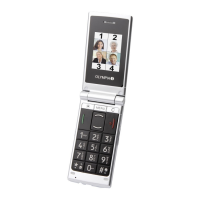
The main mobile phone menu is divided into topically organised
groups (submenus).
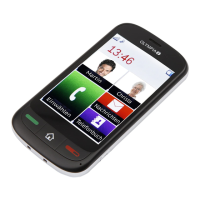
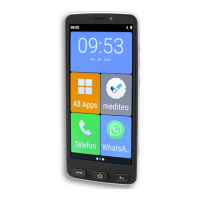
The following descriptions always assume that the starting point
for the operation is the mobile phone's start screen (press the
Home
button).
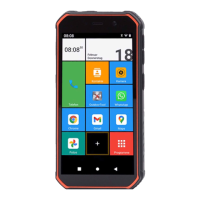
The higher level menus - e.g. Contacts, Messages or Settings - can
be accessed using the ┣All Apps┫ button.


 To Next Page