G
45
3.8 Using the Camera
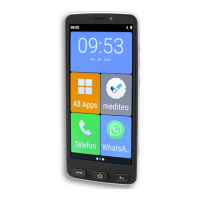
The camera in the mobile phone can be used to take photos and
record videos.
When using the camera, observe local regulations and respect
other peoples' rights of privacy.
3.8.1 Using the Camera (Photos)
1 Press the Camera
button for approx. 2 seconds.
▸ The camera app opens. The subject in front of the camera
lens appears on the mobile phone screen.
2 Tap on the ┣Picture┫ button.
▸ The camera activates the photo mode.
INFO: Tap on the Flash
buttoninordertosettheash
functionasrequired(O/Automatic/On).
Tap on the Change camera button to switch to the front
camera(selecam).
3 Press the Camera
button.
▸ The image currently displayed is saved as a photo.


 To Next Page