G
40
3.5 Contacts (Phone Book)
You can store contacts in the phone book provided by the mobile
phone.
The contacts stored are arranged in alphabetical order.
Adding a Contact
You can save your contacts in the phone book in order to be able
to contact them quickly or assign them as picture dialling contacts.
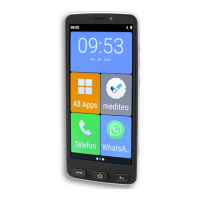
1 Navigate to ┣All Apps┫ > ┣Contacts┫.
2 Tap on the ┣+┫ button.
3 Enter the name and phone number, at least.
Tap on the ┣Save┫ button.
▸ The new contact has been saved.
3.5.1 Editing a Contact
You can edit contacts in the phone book.
1 Navigate to ┣All Apps┫ > ┣Contacts┫.
2 Select the required contact.
3 Tap on the ┣Edit contact┫ button.
4 Edit the information concerning the contact.
5 Tap on the ┣Save┫ button.
▸ The contact has been saved.


 To Next Page