Information
8
158
EN
8
Shooting tips and information
The camera does not turn on even when a battery is loaded
The battery is not fully charged
• Charge the battery with the charger.
The battery is temporarily unable to function because of the cold
• Battery performance drops at low temperatures. Remove the battery and warm it by
putting it in your pocket for a while.
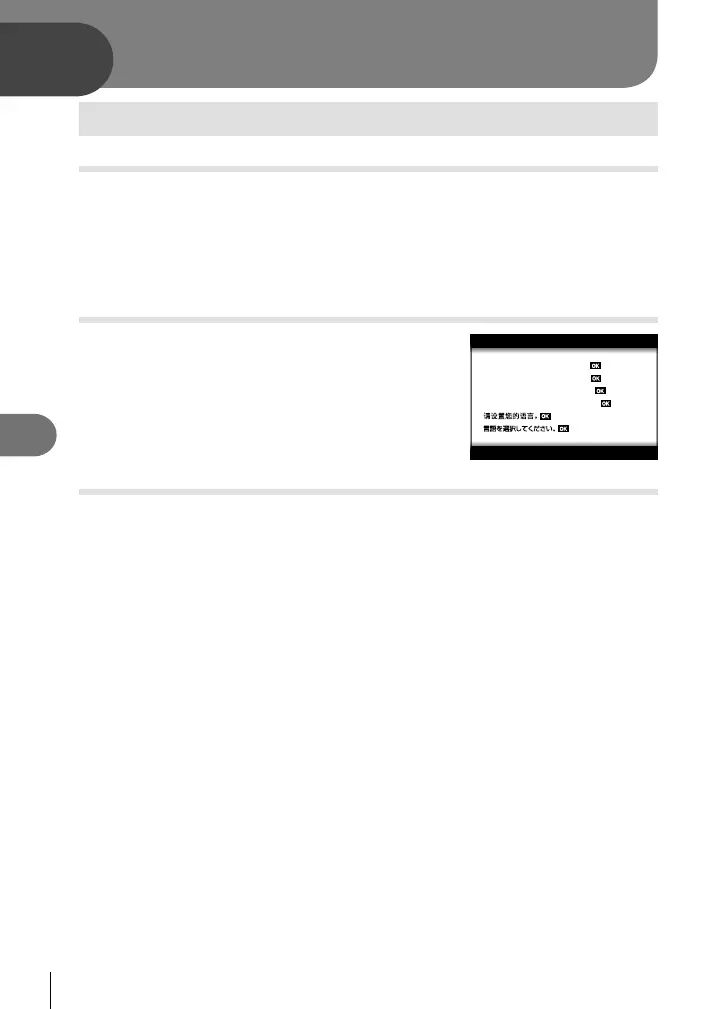
A language-selection prompt is displayed
The dialog shown in the illustration will be displayed in the
following circumstances:
• The camera is turned on for the fi rst time
• You previously ended initial setup without choosing a
language
Please select your language.
Por favor, selecciona tu idioma.
Veuillez choisir votre langue.
Bitte wählen Sie Ihre Sprache.
Choose a language as described in “Initial setup” (P. 21).
No picture is taken when the shutter button is pressed
The camera has turned off automatically
• The camera automatically enters sleep mode to reduce the drain on the battery if no
operations are performed for a set period of time. g [Sleep] (P. 126)
Press the shutter button halfway to exit the sleep mode.
The camera will turn off automatically if left in sleep mode for 5 minutes.
The fl ash is charging
• On the monitor, the # mark blinks when charging is in progress. Wait for the blinking to
stop, then press the shutter button.
Information




 To Next Page