Chapter 5 Operation
69
VIDEO SYSTEM OTV-SI
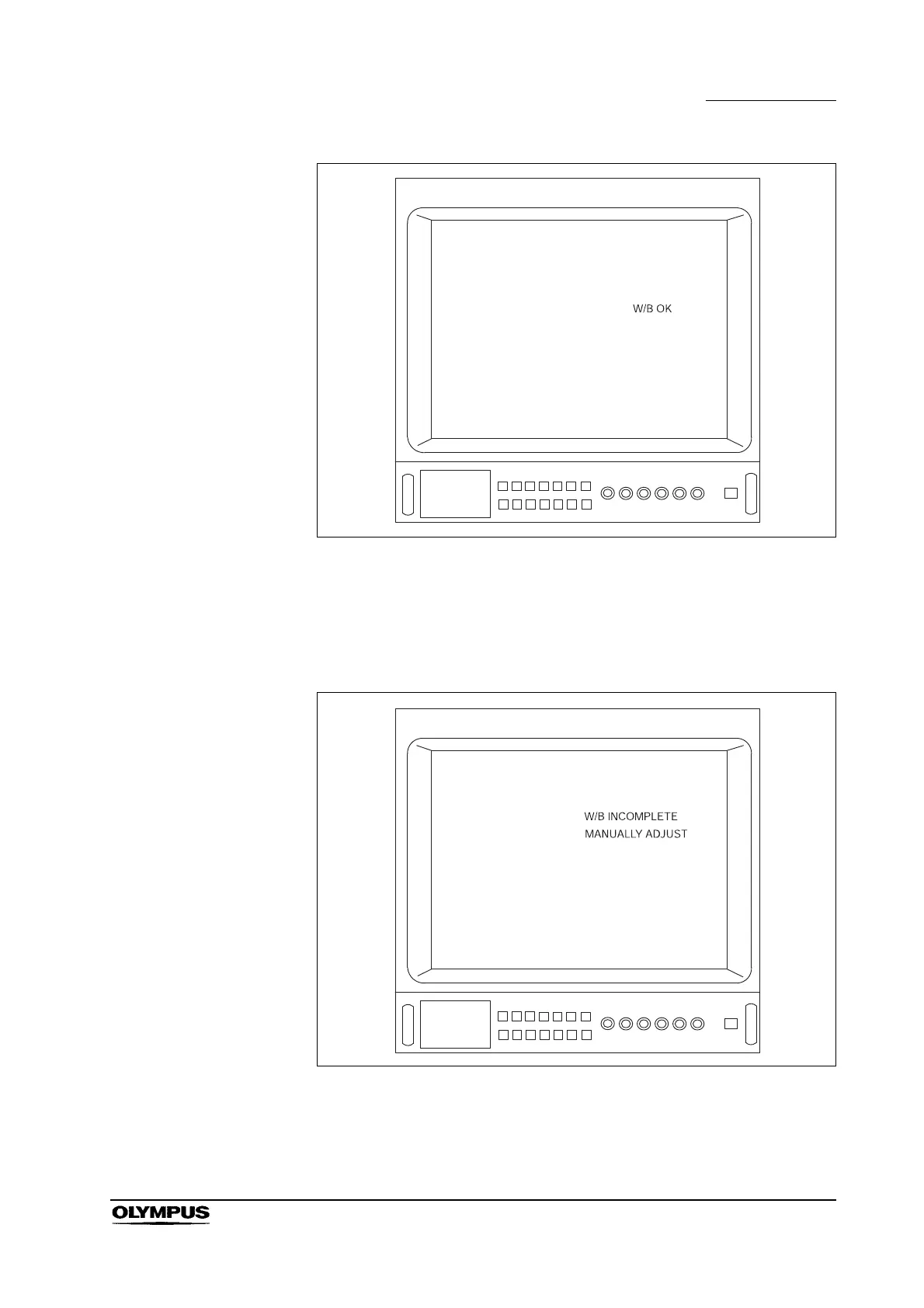
Figure 5.23
If the automatic white balance adjustment failed, the display shown in Figure
5.24 appears on the video monitor. Perform the auto white balance adjustment
again or adjust the color tone manually by following the instructions given in
“Color tone level (red/blue) adjustment” on page 77.
Figure 5.24
If the color is not satisfactory after performing the white balance, refer to “Hue
level adjustment” on page 71 or “Chroma level adjustment” on page 74 to adjust
the color tone manually.



 To Next Page