72
Chapter 5 Operation
VIDEO SYSTEM OTV-SI
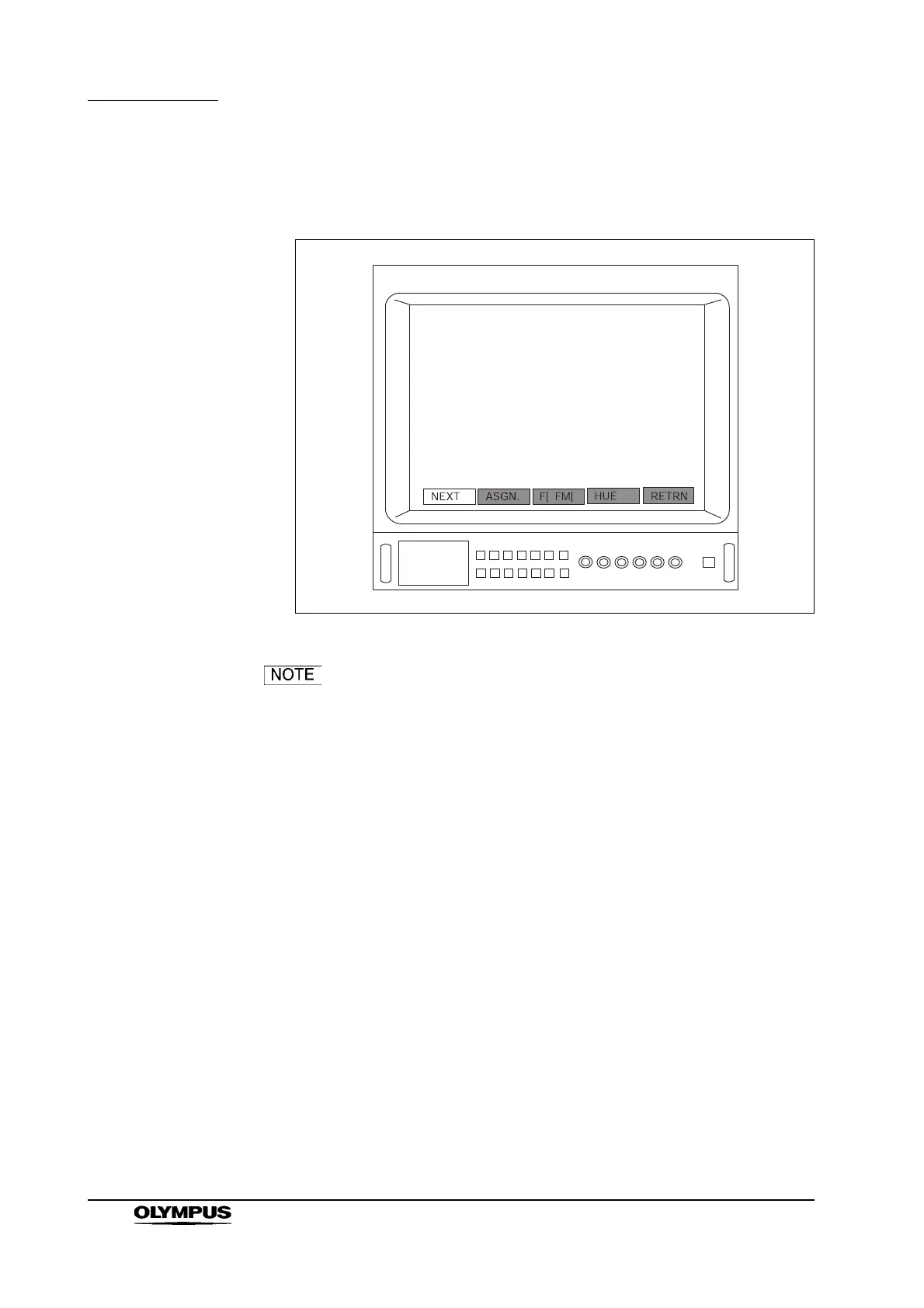
5. Press the remote control switch for execution, “Enter” or “ ” key on the
keyboard to display the menu shown in Figure 5.26.
Figure 5.26
When using camera heads OTV-S7H-1D-F08E/L08E
/D-L08E, the “ASGN.” menu option displayed in Figures 5.26
and 5.27 may not be displayed on the monitor.


 To Next Page