60
5
EN
Menu setting method
Menu setting method
3 Specify a save destination.
• You can select the save destination
from [ User Setting 1 ] ,
[ User Setting 2 ] and
[ User Setting 3 ] .
4 When [
S e l e c t
] is selected:
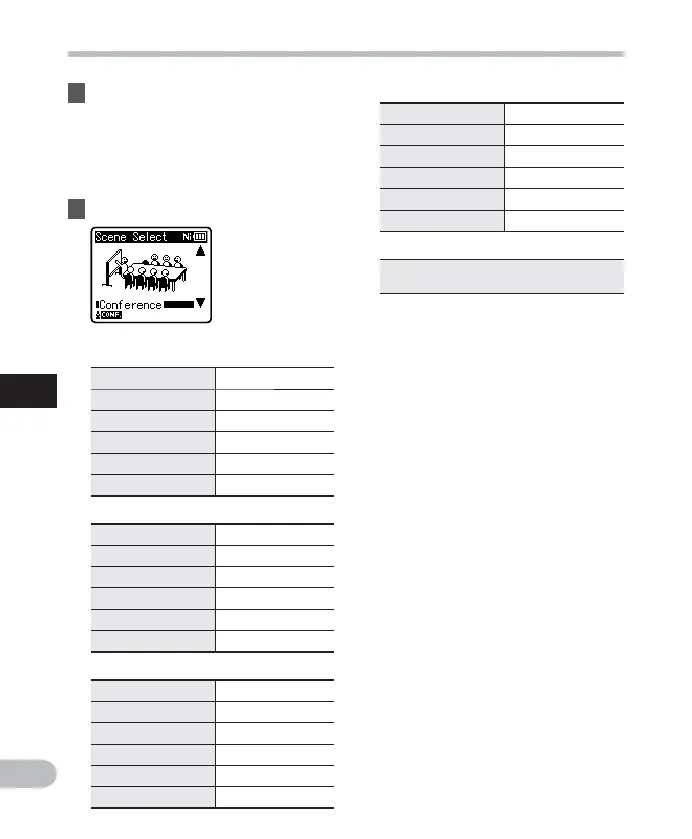
4 Select a recording scene.
Template settings:
[ L e c t u r e ] :
[ Rec Level ] [ High ]
[ Rec Mode ] [MP3]: [128 kbps]
[ Zoom Mic] * [+6]
[ Low Cut Filter ] [ On ]
[ V C V A ] [ O f f ]
[ V-Sync. Rec ] [ Off ]
[ C o n f e r e n c e ] :
[ Rec Level ] [ High ]
[ Rec Mode ] [MP3]: [128 kbps]
[ Zoom Mic] * [ Off ]
[ Low Cut Filter ] [ On ]
[ V C V A ] [ O f f ]
[ V-Sync. Rec ] [ Off ]
[ M e e t i n g ] :
[ R e c L e v e l ] [ M i d d l e ]
[ Rec Mode ] [MP3]: [128 kbps]
[ Zoom Mic] * [ Off ]
[ Low Cut Filter ] [ On ]
[ V C V A ] [ O f f ]
[ V-Sync. Rec ] [ Off ]
[ D i c t a t i o n ] :
[ Rec Level ] [ Low ]
[ Rec Mode ] [WMA]: [64kbps]
[ Zoom Mic] * [ Off ]
[ Low Cut Filter ] [ On ]
[ VCVA ] [ Off ]
[ V-Sync. Rec ] [ Off ]
[ D N S ] :
For Dragon Naturally Speaking
(Nuance Communications Inc.)
* WS-813 only.
• When a recording scene is selected,
recording-related menu settings
cannot be changed. If you wish to use
these functions, set [ Rec Scene ] to
[ O f f ] .
To check the settings:
On the [ Scene Select ] display, select
a recording scene using the + and
– buttons, and press the 9 button.
Press the 0 button to return to the
[ Scene Select ] display.



 To Next Page