e 0 button (Shooting) Selecting shooting modelTurning the camera on
Shooting mode
is
selected.
This function is used to set the camera to turn on
in
shooting mode when 0 is pressed with
the camera off.
~
"O/(E]
Turning on the camera with the 0 or (E] button" (P. 27)
e
EEl
button (Playback) Selecting playback modelTurning the camera on
The last picture taken
is
displayed.
• Press the arrow pad to view other pictures.
• Use the zoom lever to switch between close-up playback and index display.
This function
is
used to set the camera to turn
on
in
playback mode when (E] is pressed with
the camera off.
~
"O/(E]
Turning on the camera with the 0 or (E] button" (P. 27)
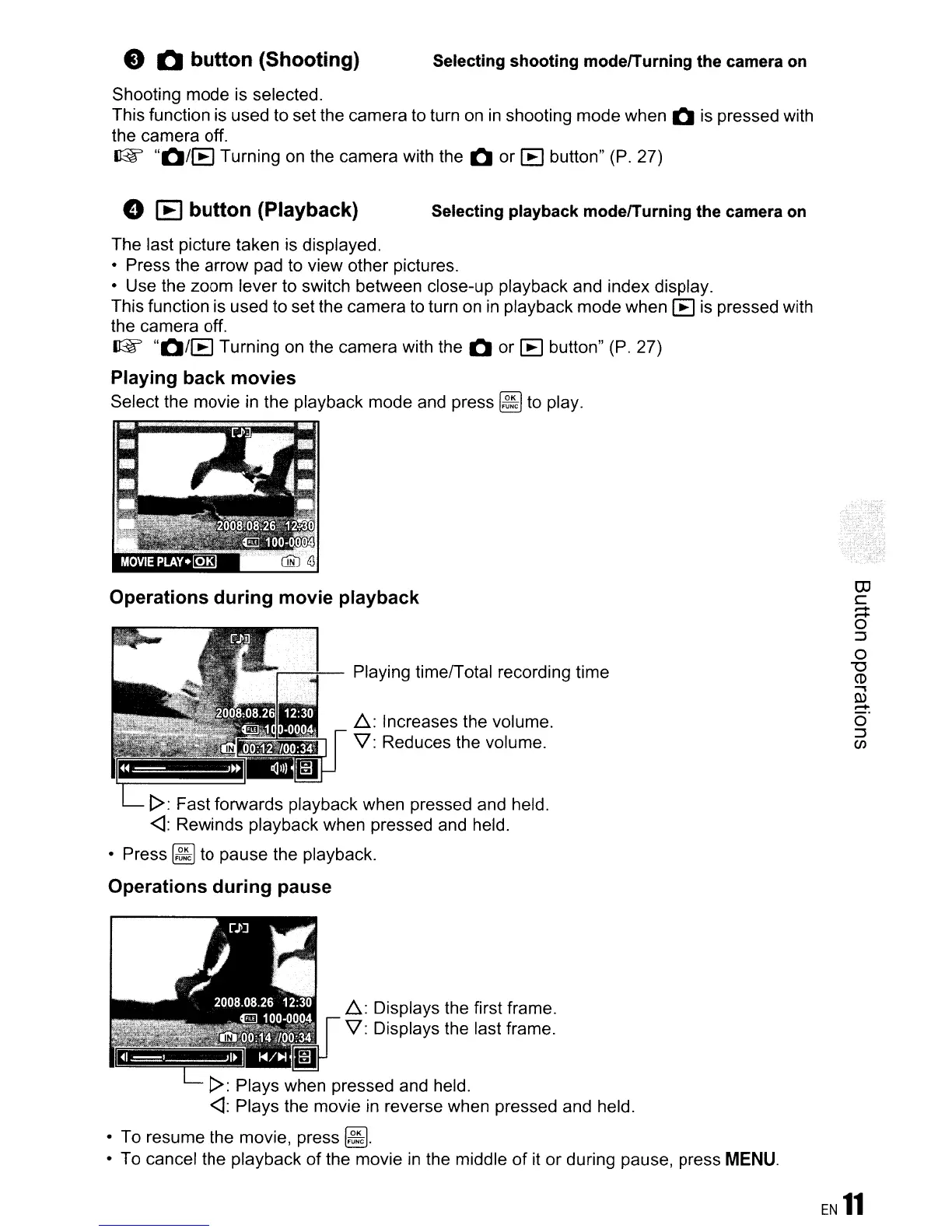
Playing back movies
Select the movie
in
the playback mode and press
~
to play.
Operations during movie playback
Playing time/Total recording time
~:
Increases the volume.
V: Reduces the volume.
1>:
Fast forwards playback when pressed and held.
<l:
Rewinds playback when pressed and held.
• Press
~
to pause the playback.
Operations during pause
~:
Displays the first frame.
V: Displays the last frame.
1>:
Plays when pressed and held.
<l:
Plays the movie
in
reverse when pressed and held.
• To resume the movie, press
~.
• To cancel the playback
of
the movie
in
the middle
of
it
or during pause, press
MENU.
EN
11









 To Next Page