9 Mode dial
Set the mode dial to the desired shooting mode.
Switching shooting modes
en
c
o
:;:::
ro
L...
(])
0..
o
C
o
......
......
::J
CO
r!Im]
Shooting pictures with automatic settings
The camera determines the optimum settings for shooting pictures. [CAMERA MENU]
settings such
as
ISO sensitivity cannot
be
changed.
P Set the optimum aperture value and shutter speed
The camera automatically sets the optimum aperture value and shutter speed for the
brightness
of
the subject. [CAMERA MENU] settings such as ISO sensitivity can be
changed.
(~))
Shooting pictures using digital image stabilization
This function reduces the blur incurred by a moving subject or camera shake when taking
pictures.
n• Shooting pictures according to the situation
Use PORTRAIT and LANDSCAPE to shoot pictures with the optimal settings.
SCENE
Shooting pictures by selecting a scene mode according to the
situation
Select from
11
available scene modes, according to the shooting conditions.
Press
~
to set.
~:
NIGHT+PORTRAIT
I~~
SPORT I
~
INDOOR
IW
CANDLE I
A SELF PORTRAIT
I~
SUNSET
III
FIREWORKS I
~
BEHIND GLASS I
rl CUISINE
I~
DOCUMENTS
I~
AUCTION
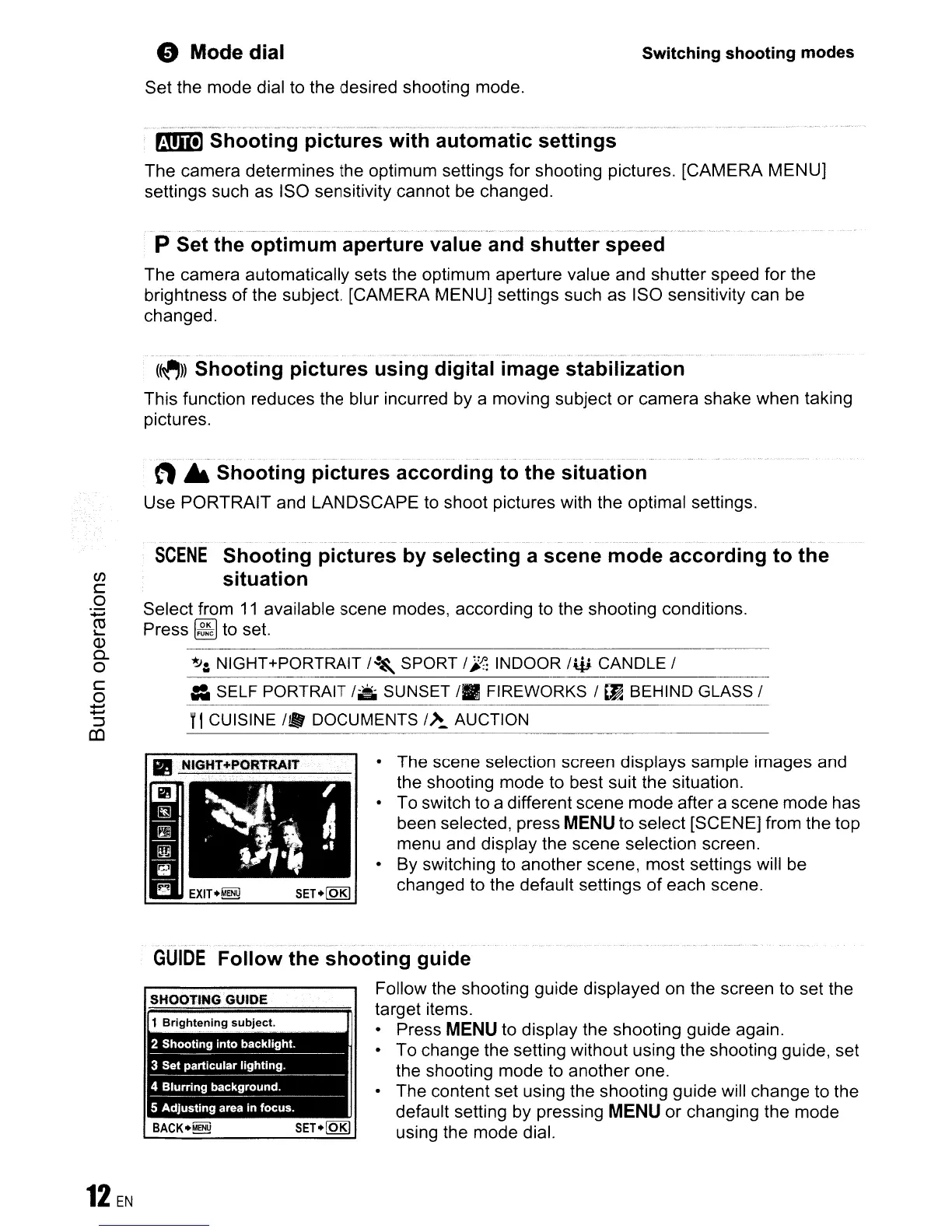
• The scene selection screen displays sample images and
the shooting mode to best suit the situation.
• To switch to a different scene mode after a scene mode has
been selected, press
MENU
to select [SCENE] from the top
menu and display the scene selection screen.
• By switching to another scene, most settings will
be
changed to the default settings
of
each scene.
SHOOTING GUIDE
GUIDE
Follow the shooting guide
Follow the shooting guide displayed
on
the screen
to
set the
target items.
• Press
MENU
to display the shooting guide again.
To change the setting without using the shooting guide, set
the shooting mode to another one.
The content set using the shooting guide will change to the
default setting by pressing
MENU
or changing the mode
using the mode dial.









 To Next Page