G>
<l«,
button Shooting pictures close
to
the subject (Macro mode)
Press
<l~'
in shooting
mode
to
select
the
macro
mode.
Press
~
to set.
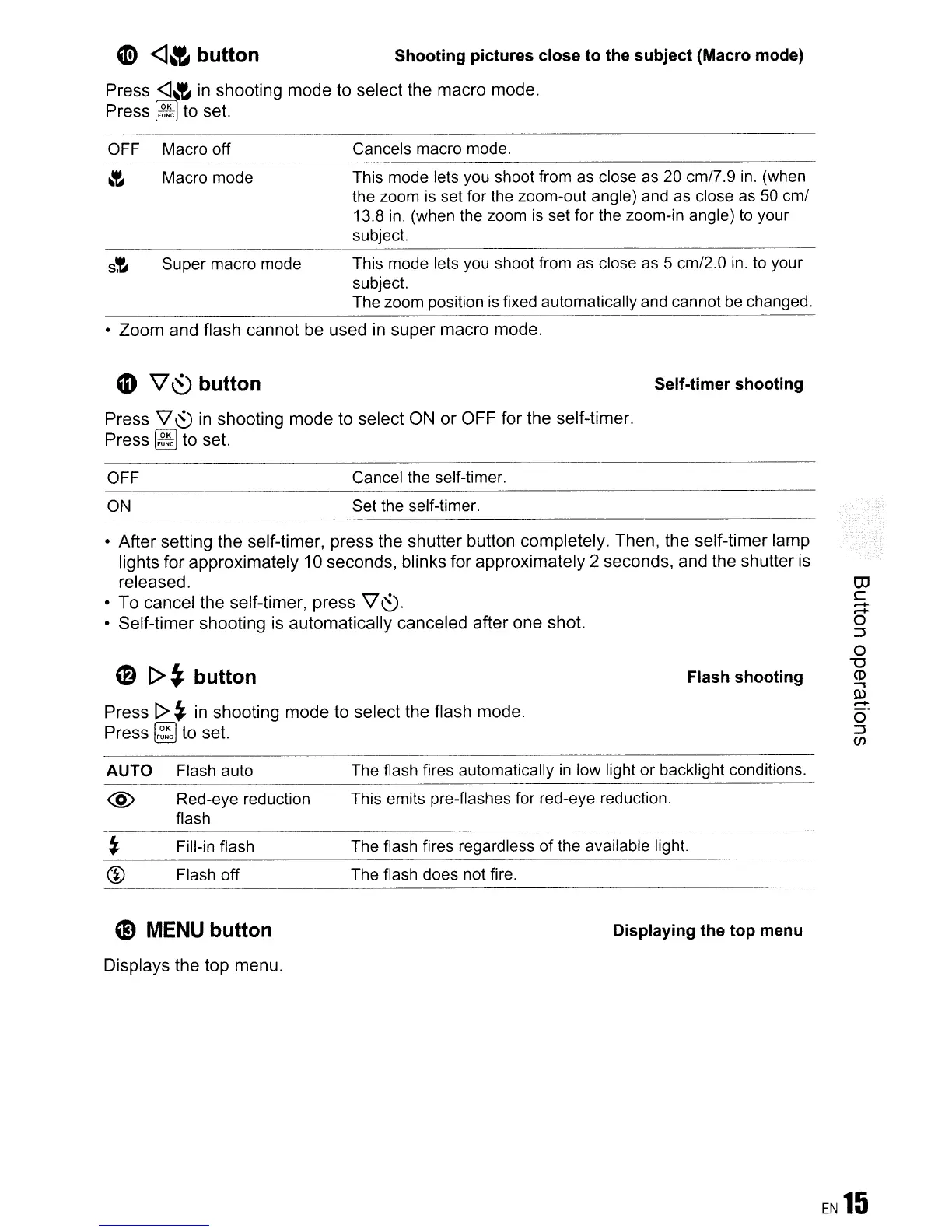
OFF Macro off Cancels macro mode.
~
Macro mode This mode lets you shoot from as close as 20 cm/7.g
in.
(when
the zoom is set for the zoom-out angle) and as close
as
50
cm/
13.8
in.
(when the zoom
is
set for the zoom-in angle) to your
subject.
s!-
Super macro mode This mode lets you shoot from as close
as
5 cm/2.0
in.
to your
subject.
The zoom position
is
fixed automatically and cannot
be
changed.
-----------------------
•
Zoom
and flash
cannot
be used in
super
macro
mode.
CD
V~
button
Press '\l
(SJ
in shooting
mode
to
select
ON
or
OFF
for
the
self-timer.
Press
~
to set.
Self-timer shooting
Cancel the self-timer.
Set the self-timer.
OFF
---------------------------------
ON
•
After
setting
the
self-timer, press the
shutter
button completely. Then, the
self-timer
lamp
lights
for
approximately
10 seconds, blinks for
approximately
2 seconds,
and
the
shutter is
released.
•
To
cancel the self-timer,
press
'\l
(SJ.
•
Self-timer
shooting is
automatically
canceled after
one
shot.
(2)
[>~
button
Press [>
~
in
shooting
mode
to select the flash mode.
Press
~
to set.
Flash shooting
OJ
c
......
......
o
::J
o
"'0
CD
~
W
......
o'
::J
C/J
AUTO
@
Flash auto
Red-eye reduction
flash
The flash fires automatically
in
low light or backlight conditions.
This emits pre-flashes for red-eye reduction.
Fill-in flash
Flash off
The flash fires regardless of the available light.
The flash does not fire.
G)
MENU button Displaying the top menu
Displays
the top
menu.









 To Next Page